Higgsfield AI Review and the Credit Math Nobody Shows You
Higgsfield AI Review and the Credit Math Nobody Shows You
A hands-on Higgsfield AI review with the real cost per usable clip, the billing traps, and who should pay for it.
- 1What This Higgsfield AI Review Found
- 2How Much Does Higgsfield AI Really Cost
- 3What Higgsfield AI Does Well
- 4Where Higgsfield AI Falls Short
- 5Higgsfield vs Kling, Sora, and Veo
- 6The Verdict on Higgsfield AI
- 7Frequently Asked Questions
- Is Higgsfield AI worth it?
- Is Higgsfield AI free?
- How much does Higgsfield AI really cost per video?
- Can I use Higgsfield videos commercially?
- Does Higgsfield AI watermark videos?
- How does Higgsfield compare to Kling, Sora, and Veo?
- Can I cancel Higgsfield easily?
- 8Quick Takeaways
Bottom Line: Higgsfield AI is the strongest single dashboard for cinematic short-form clips, packing Sora, Kling, and Veo plus 100+ camera presets in one place. The catch is the credit math: factoring real iteration, a usable clip costs far more than the headline allowance suggests, and the billing terms punish anyone who cancels. Worth it for hook-driven social creators, a poor fit for e-commerce ad makers.
A Higgsfield AI review usually opens with a slick demo reel and a list of camera moves. I want to start somewhere more useful, with the number that decides whether this tool is worth your money: what a single clip you can post really costs.
That number is not the credit price on the pricing page. AI video fails a lot, so you burn three to five generations to land one keeper, and once you do that math the “1,000 credits a month” headline turns into something like 33 to 56 usable clips.
I have spent this review digging into the pricing mechanics, the camera and effects toolkit, the billing terms, and the way Higgsfield stacks up against the models it runs inside. You will come away knowing the true cost per clip, the two traps that cost people real money, and whether you are the creator this tool is built for.
What This Higgsfield AI Review Found
Higgsfield AI is an aggregator that runs Sora, Kling, Veo, and Seedance behind one interface, then layers on 100+ cinematic camera presets and character consistency tools.
It is genuinely good at fast, dramatic short-form shots and genuinely frustrating on billing, so the verdict depends entirely on what you make.
The core pitch makes sense to me. Instead of paying for Sora, Kling, and Veo separately and learning three interfaces, you get all of them in one dashboard and apply Higgsfield’s own camera moves on top.
What surprised me is how much of the experience is shaped by the credit system rather than the models. The output quality is competitive with anything in the category right now, but your real-world satisfaction comes down to how fast your credits drain and how the plan handles cancellation.
Higgsfield even pushed into enterprise this year with an NVIDIA-backed marketing engine, so the company is scaling fast, which cuts both ways for everyday creators.
How Much Does Higgsfield AI Really Cost
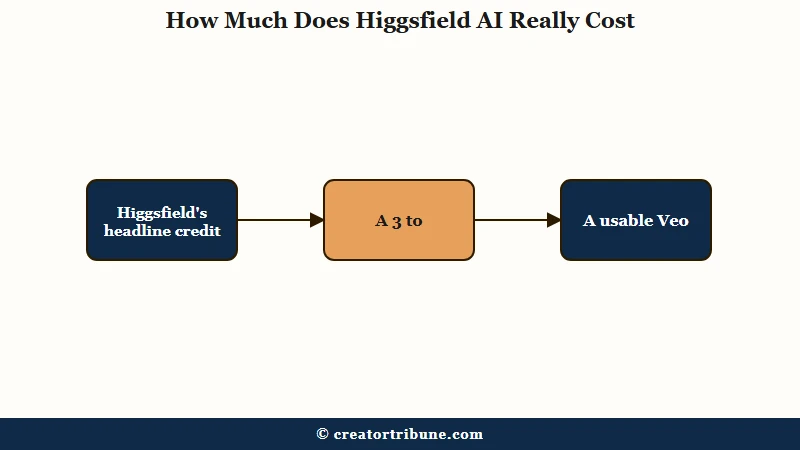
A usable Kling 3.0 clip costs roughly 0.61 to 1.03 dollars on Higgsfield once you factor the 3 to 5 failed generations behind every keeper, and a usable Sora 2 or Veo 3.1 clip runs 3.36 to 9.33 dollars.
The headline credit allowance hides that iteration tax completely.
Here is how the plans break down. Prices shift often, so treat these as the current shape rather than permanent figures.
| Plan | Rough price | What you get |
|---|---|---|
| Free | 0 dollars | 10 to 150 credits, watermarked, 720p, premium models locked |
| Basic | 5 to 15 dollars monthly | Entry credits, watermark removed on paid output |
| Pro or Plus | 29 to 49 dollars monthly | About 1,000 credits, commercial rights, more concurrency |
| Ultimate or Creator | 129 to 249 dollars monthly | High credit pools, team seats, priority generation |
The credit drain varies wildly by model. A 5-second Kling 3.0 clip costs around 6 to 8.75 credits, a 5-second Seedance 2.0 clip jumps to about 25 credits, and an 8-second Veo 3 clip eats roughly 58 credits.
What I would flag hardest is a quiet price change. Generation cost reportedly climbed from 1 to 1.5 credits per second at 720p, and from 1.5 to 2.5 credits per second at 1080p, which means subscribers now get 33 to 66 percent fewer seconds for the same money than older reviews describe.
Before: You read “1,000 monthly credits” and assume that is roughly 1,000 short clips.
After: You account for premium model costs and a 3 to 5x retry rate, and the same plan realistically yields 33 to 56 finished Kling clips, or far fewer if you lean on Veo and Sora.
What Higgsfield AI Does Well
Higgsfield’s real strength is cinematic motion and breadth: one subscription gives you dramatic camera work and the major video models without juggling separate tools.
For hook-driven social content, that combination is hard to beat right now.
In my view these are the features that justify the subscription for the right creator.
- Over 100 camera-motion presets through its Director of Photography system, including Dolly Zoom, 360 Orbit, Crash Zoom, and FPV drone shots that look genuinely cinematic.
- A library of 80 to 100 plus visual-effect templates like Bullet Time, Disintegration, and film burns, which are perfect for scroll-stopping first frames.
- Multi-model access in one dashboard, so you can run Sora 2, Kling 3.0, Veo 3.1, and Seedance without four separate subscriptions.
- Soul ID character consistency, where you upload three to five reference images to keep the same face across clips, which costs 10 credits to set up per character.
The aggregator angle is the part I keep coming back to. If you are building short clips from one upload, being able to test the same prompt across three different models and pick the winner is a real workflow advantage that a single-model tool cannot match.
Where Higgsfield AI Falls Short
The weak spots are almost all commercial, not creative: an “unlimited” plan that throttles hard, billing defaults that overcharge, and a cancellation policy that erases credits you already paid for.
None of these show up in the demo reel.
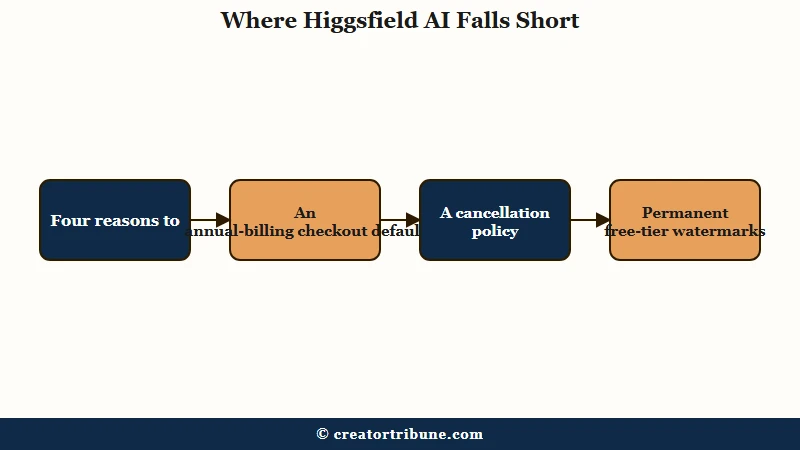
Here is where I would set expectations before you subscribe.
- “Unlimited” is a throttled battery system. The more you generate, the slower your queue gets, dragging a one-minute render out past two hours, and it locks you to 720p and short durations.
- Checkout defaults to annual billing on every load, so a creator expecting a 34-dollar month can authorize a 294 to 1,188 dollar upfront charge that support rarely refunds.
- Cancelling or turning off auto-renew forfeits your remaining paid credits immediately, so you have to burn everything before you cancel.
- Watermarks on free-tier clips are permanent. You cannot pay to strip them later, you have to regenerate from scratch, and the exact motion rarely repeats.
The billing risk is not hypothetical. Around December 2025 a wave of heavy “unlimited” users reported sudden account freezes and deleted credits mid-project, with appeals going unanswered, which is a real operational risk if your whole pipeline runs through one platform. That is the strongest argument I know for not betting a client deadline on any single AI tool.
Higgsfield vs Kling, Sora, and Veo
You are not really choosing Higgsfield over Kling, Sora, or Veo, because Higgsfield runs all of them, so the real question is whether the preset layer and convenience are worth a possible markup.
That answer is not unanimous.
The honest split among users is about pricing. Some report paying a 2 to 4.5x markup to run Kling generations through Higgsfield versus subscribing to Kling directly, while others insist Higgsfield is cheaper than native Kling for the same model.
The way I read it, the truth depends on the specific model and plan, so the move is to check the per-model credit cost against the native platform’s price before you commit. Here is how I would frame the decision against the broader field.
| Your priority | Best pick | Why |
|---|---|---|
| Cinematic camera moves for social hooks | Higgsfield | The preset library and multi-model access are unmatched |
| One model, lowest cost per clip | Native Kling or Veo | No aggregator markup on heavy single-model use |
| Long-form narrative consistency | Dedicated long-form tool | Higgsfield caps clips at 5 to 16 seconds |
| E-commerce UGC ad output | A UGC ad tool | Higgsfield lacks avatars and product b-roll features |
If your work is more about repurposing and captions than cinematic generation, a tool like InVideo or Revid may fit your workflow better, and for transcript-driven editing Pictory covers a different need entirely.
The Verdict on Higgsfield AI
Higgsfield AI earns a recommendation for cinematic short-form creators who value motion and variety, and a clear skip for e-commerce marketers and anyone who needs predictable billing.
It is a powerful creative tool wrapped in a frustrating commercial model.
Buy it if you make hook-driven TikToks, Reels, or Shorts and you want dramatic camera work plus the option to test the same idea across Sora, Kling, and Veo. The output is competitive and the preset library genuinely speeds up the cinematic look.
Skip it if you run performance ads, need long-form consistency, or cannot tolerate billing surprises. For those use cases the credit math and cancellation terms work against you, and a dedicated social-graphics or ad tool will serve you better.
If you do subscribe, you can start on the Higgsfield free tier, confirm the checkout toggle is set to monthly, and burn your credits before any cancellation.
Frequently Asked Questions
Is Higgsfield AI worth it?
Higgsfield is worth it for social creators who want cinematic camera moves and access to multiple video models in one place. It is not worth it for long-form narrative work or e-commerce UGC ads, where dedicated tools do more for less.
Is Higgsfield AI free?
There is a free tier with 10 to 150 monthly credits, but it watermarks every clip, caps output at 720p, and locks the premium models like Sora 2 and Veo 3.1. It is fine for testing, not for finished work.
How much does Higgsfield AI really cost per video?
Factoring a realistic 3 to 5x retry rate, a usable Kling 3.0 clip costs about 0.61 to 1.03 dollars, while a usable Sora 2 or Veo 3.1 clip runs 3.36 to 9.33 dollars. The raw credit price is much lower than the real cost per keeper.
Can I use Higgsfield videos commercially?
Yes, but only on paid plans. The free tier is restricted to personal and evaluation use, so any client or monetized work needs at least the Pro or Plus tier.
Does Higgsfield AI watermark videos?
Only clips made with free credits carry a watermark, and it is permanent. Paid-credit output is clean, but you cannot strip a watermark after the fact, you have to regenerate the clip.
How does Higgsfield compare to Kling, Sora, and Veo?
Higgsfield contains Kling, Sora, and Veo as an aggregator, then adds its own camera presets and Soul ID character consistency. The tradeoff is a possible per-model markup versus subscribing to those platforms directly.
Can I cancel Higgsfield easily?
Cancelling is the weak spot. Turning off auto-renew forfeits your remaining paid credits immediately, and refunds are only granted within seven days if you have used zero credits, so spend everything before you cancel.
Quick Takeaways
- The real cost is per usable clip, not per credit: budget 0.61 to 1.03 dollars for a Kling keeper and several dollars for Sora or Veo.
- “Unlimited” means a throttled 720p queue, not unlimited fast generation.
- Check the checkout toggle: it defaults to annual, which can mean a four-figure upfront charge.
- Burn your paid credits before cancelling, because cancelling erases them instantly.
- Buy it for cinematic social hooks, skip it for e-commerce ads and long-form video.