Recover a Hacked TikTok Account After 2FA Lockout
Recover a Hacked TikTok Account After 2FA Lockout
Your TikTok account is hacked and the thief added their own 2FA. Here is the exact recovery path that bypasses their lock and gets you back in.
- 1What to Do First When Your TikTok Account Is Hacked
- 2Why Your TikTok Report Got No Reply
- 3How to Recover When the Hacker Controls Your 2FA
- 4What Evidence Gets Your Account Back
- 5When the In-App Form Fails
- 6How to Lock TikTok Down After You Recover It
- 7Frequently Asked Questions
- Can I recover my TikTok account if the hacker added an authenticator app?
- How long does TikTok take to respond to a hacked account report?
- What if I do not have my original sign-up phone anymore?
- Should I pay a third-party TikTok recovery service?
- How do I stop my TikTok from being hacked again?
- 8Quick Takeaways
TL;DR: When your TikTok account is hacked and the attacker has changed the email, password, and added their own authenticator, the normal password reset is a dead end. The path back is the “My account was hacked” identity flow, which proves who you are with a video selfie and ID instead of a code the hacker now controls. Move fast, because the evidence that gets you back in has a 90-day shelf life.
TikTok told a UK parliamentary committee that it responds to 82.2 percent of user reports in under two hours, and 99.7 percent within a day. If your account was stolen three days ago and you have heard nothing, those numbers should bother you.
They mean your case is not stuck in a slow queue. It means it never reached the right team.
A TikTok account hacked this way is locked from the inside, not just guessed into. The attacker changed your email and password, then switched on their own authenticator app. So even when you type your real password, TikTok asks for a six-digit code that lands on the thief’s phone, not yours.
Here is the part most panic guides miss. The in-app “Report a Problem” button is not the recovery door for a full takeover, and there is a separate identity-verification flow built exactly for this that sidesteps the hacker’s 2FA entirely.
I will walk you through the order I would do this in, what evidence really moves the needle, and how to lock the account down so it does not happen twice.
If you also want the broader playbook for a compromised profile across platforms, the Instagram account hacked recovery guide follows the same logic with Meta’s tools.
What to Do First When Your TikTok Account Is Hacked
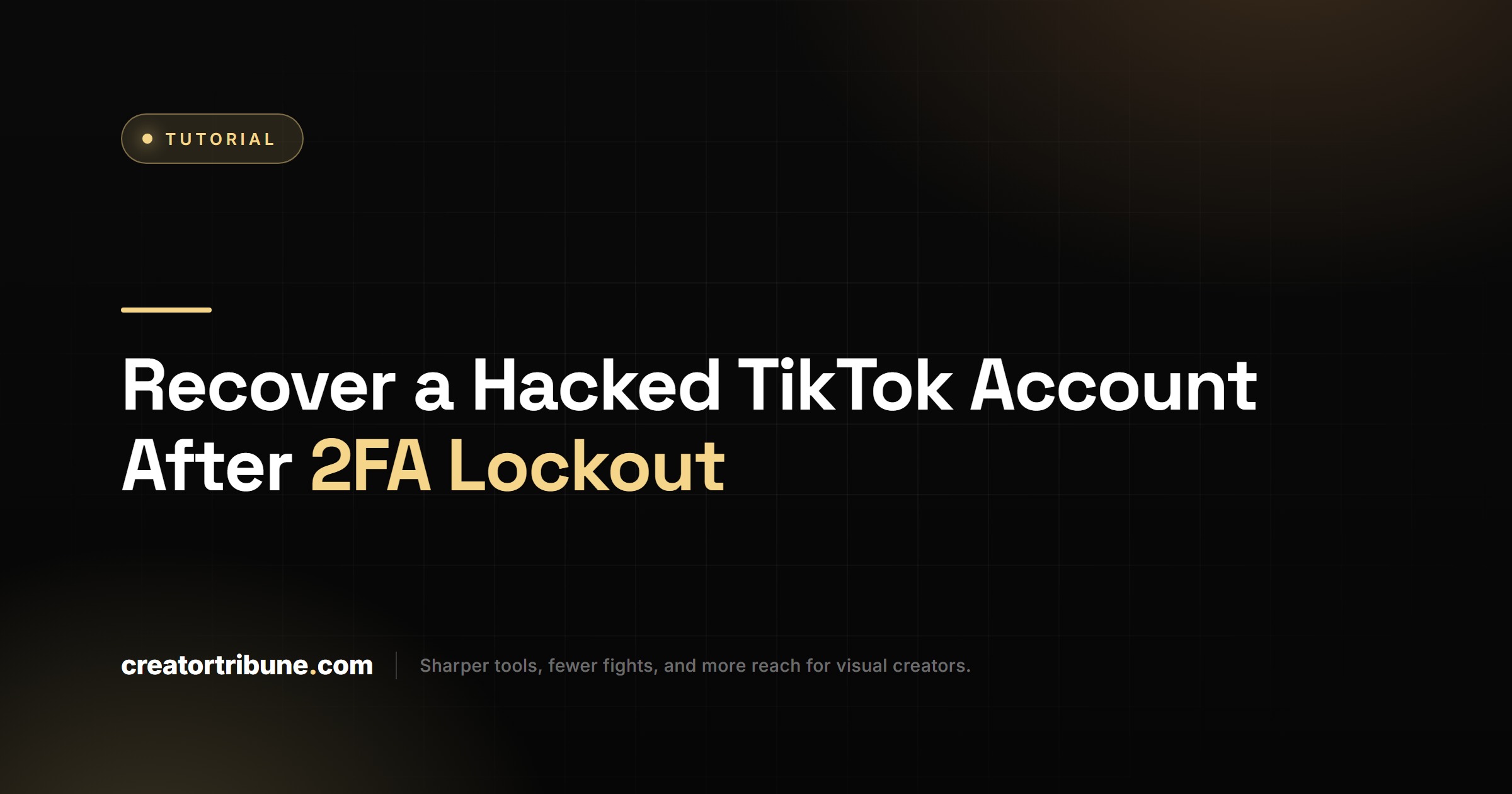
The first move when your TikTok account is hacked is to check whether you are still logged in anywhere, then file the takeover form immediately.
Speed matters more than people think, because the strongest proof you own the account expires.
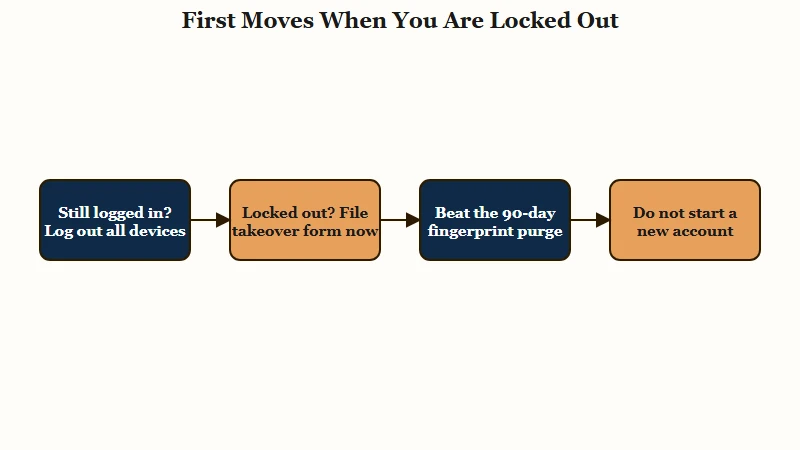
If you still have any device or browser session that is logged in, you have a short window to take back control from there. Open Settings, force a log out of all other devices, then change the password and remove the unknown authenticator before the attacker reacts. Recovery specialists say self-recovery from an active session works in the large majority of cases, but only if you catch it early.
If you are fully locked out, I would not waste hours retrying the password. The clock that matters here is a quiet one.
TikTok logs the device fingerprint of the phone you signed up on, and that fingerprint is one of the heaviest pieces of evidence in your favor. Account-recovery services report it gets purged after roughly 90 days of inactivity, so filing your appeal today instead of next month can be the difference between getting in and getting a template denial.
While you are still the rightful owner watching scam crypto livestreams go up on your handle, resist the urge to make a fresh account and walk away. A deactivated or even content-banned account can still be recovered through the identity path, and the TikTok ban appeal process covers what to do if the thief got the account suspended.
Why Your TikTok Report Got No Reply
Your report got no reply because a generic “I was hacked” ticket and the dedicated takeover-recovery form are two different doors, and only one reaches a human review team. The benchmark TikTok gave Parliament is your tell.
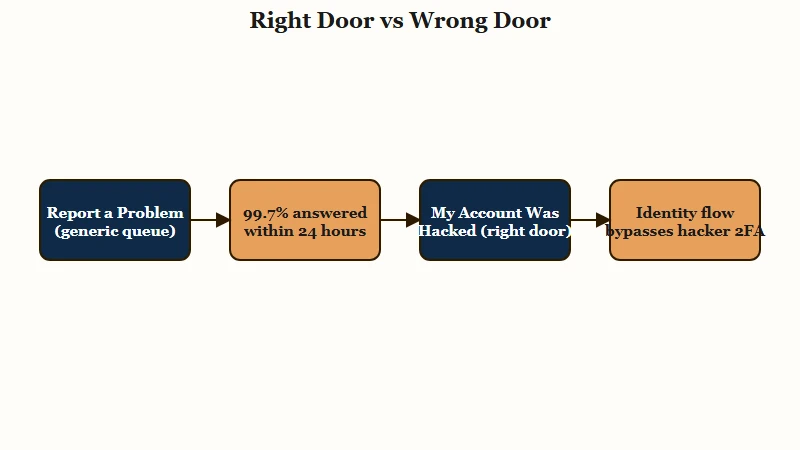
Think about it. If TikTok’s UK Parliament evidence says 99.7 percent of reports get answered inside 24 hours, and you are past that with silence, you almost certainly used a route that auto-closes without a person ever looking.
The fix is not to wait longer. It is to switch doors.
The right door is on the login screen, not inside the app you can no longer enter. The exact path is below, and the difference between the two flows is worth understanding before you file anything.
| What you are seeing | What it really means | What to do instead |
|---|---|---|
| “Report a Problem” auto-replies then goes quiet | Generic support queue, not built for takeovers | Use the “My account was hacked” login flow |
| Password is correct but it demands a code | Hacker enabled their own authenticator | File identity verification to bypass the 2FA |
| Reset email never arrives | Email on the account was changed | Provide your original email in the takeover form |
| No reply after 24 hours | Ticket likely never reached a reviewer | Re-file via the correct flow, then escalate |
The other thing I would flag early: how you describe the incident changes where it lands. A vague “someone hacked me” reads like a thousand low-priority tickets. A specific, dated account of what happened routes to a human faster.
Before: “Please help my account got hacked someone stole it.”
After: “On June 4 I clicked a link in a DM from an account posing as TikTok Creator Support. Within an hour my email and password were changed and an authenticator I never set up was added. My original username is X, original email is Y, and I registered on an iPhone in 2023.”
The second version gives a reviewer everything they need to match you to the account in one pass. That is the kind of detail that gets a case actioned instead of parked.
How to Recover When the Hacker Controls Your 2FA
You recover a 2FA-locked account by shifting the proof from a code the hacker controls to a government ID and a live video selfie that only you can pass.
This is the whole point of the takeover flow, and it is why a hacker’s authenticator does not have to be permanent.
The verification deliberately ignores the password and 2FA, because the system assumes those are compromised. Instead it asks you to prove you are the physical person tied to the account. Here is the sequence I would follow, in order.
- On the login screen, tap Sign up or log in, then Use phone, email, or username, then Need help, then My account was hacked.
- Enter your original username and the original email or phone number that was on the account, even though they no longer work for login.
- Provide the approximate date you registered and the device model you signed up on. These match TikTok’s internal records.
- When prompted, record a video selfie. Turn your head slowly from left to right. Still photos are auto-rejected, so it has to be a live video.
- Hold a valid government photo ID, passport, driver’s license, or state ID, in clear, even lighting. Avoid filming against a bright window, which causes most rejections.
- Submit and note the case reference. Do not file three more times in a panic, which can muddy the queue.
One warning that is easy to miss. TikTok’s creator verification allows up to ten retries for technical or image-quality problems, but only two attempts for the formal appeal where you hold your ID. You get very few real chances, so get the lighting and ID alignment right the first time.
Expect a response in roughly three to seven business days. The verification only confirms identity, so it does not matter that the thief still holds the password. Once you are back in, the steps to recover from a TikTok shadowban help if your reach is wrecked from whatever the hacker posted.
What Evidence Gets Your Account Back
The single most powerful piece of evidence is recovering from the original device you signed up on, which roughly doubles your odds versus appealing from a new phone.
Most people assume their email is the ultimate proof. It is not, once the email has been changed.
Account-recovery services that track these outcomes report success near 58 percent when the appeal comes from the original sign-up device, against about 31 percent without it. The reason is that device fingerprint TikTok quietly logged at registration. If you still own that phone, use it to file, even if it is sitting in a drawer.
Beyond the device, stack every secondary proof you can. The way I see it, each item you add closes the gap between “probably you” and “definitely you” in a reviewer’s eyes.
| Proof type | Why it carries weight | Where to find it |
|---|---|---|
| Original device | Matches the fingerprint logged at sign-up, the heaviest signal | The phone you first installed TikTok on |
| Original welcome email | Proves you held the registration inbox originally | Search your email for the first TikTok sign-up message |
| Coin or gift receipts | Ties a real payment method to the account history | App Store or Google Play purchase history |
| Registration details | Username, old email, sign-up date, device model | Your own records and memory |
One practical note for creators with several handles. A single government ID can verify a maximum of five different creator accounts, so if you run a brand portfolio, that cap is your hard ceiling for ID-based recovery across all of them.
When the In-App Form Fails
When the in-app form errors out or goes silent past TikTok’s own 24-hour benchmark, the web report URL and a privacy data-rights request are your escalation routes. These are the levers most locked-out users never learn exist.
If the app form will not load or you cannot reach it at all, file the takeover report on the web at tiktok.com slash legal slash report slash account-recovery. It feeds the same review process without needing you to be inside the app.
If you are still ignored after about 14 days, change the framing from a tech-support issue to a legal one. This is the underused move, and the one I would reach for next. Submitting a data-rights request under GDPR Article 17 in the UK or EU, or a CCPA request in California, forces a response, because the company is legally required to answer those within 30 days regardless of how deep the normal support queue is.
It feels strange to treat a stolen account as a privacy filing, but the account holds your personal data, and that is the legal hook. If your account also vanished during a wider service problem rather than a hack, it is worth ruling that out first with the guide on whether TikTok is down.
How to Lock TikTok Down After You Recover It
The moment you regain access, swap your password for a passkey and audit connected apps, because a stubborn 18 percent of recovered accounts get re-hacked within 90 days. Getting back in is only half the job. The hole the attacker came through is often still open.
The reason 2FA failed so many people is the missing piece. The 2H 2025 threat report from Ontinue found attackers shifting to adversary-in-the-middle kits like Tycoon2FA and Salty2FA, which steal your live session cookie rather than your password.
They are not cracking your login, they are borrowing your already-authenticated session, which is why a code never stopped them. Listings tied to the Lumma Stealer infostealer jumped 72 percent in early 2025, so the supply of stolen sessions is industrial now.
Here is the hardening sequence I would run the same day you recover the account.
- Set a passkey at Profile, Menu, Settings and privacy, Account, Passkey. It binds login to your device’s biometrics and cannot be phished.
- Audit connected apps at Profile, Menu, Settings and privacy, Security and permissions, Apps and services permissions. Remove anything you do not recognize, since a malicious connection can quietly let the hacker back in after a password change.
- Force log out of all other devices again, so any session the attacker still holds is killed.
- If you must keep code-based 2FA, use an authenticator app rather than SMS, which closes the SIM-swap angle.
Before: password plus SMS code, both harvestable by a phishing kit in real time.
After: device-bound passkey with no shared secret to steal, plus a clean connected-apps list.
If you suspect a connected third-party app is misusing your data after all this, TikTok lists a direct contact at tiktokplatform at tiktok.com for exactly that, which is not surfaced in the normal report menu.
Frequently Asked Questions
Can I recover my TikTok account if the hacker added an authenticator app?
Yes. The “My account was hacked” identity flow verifies you with a video selfie and government ID, which bypasses the hacker’s authenticator entirely. It does not matter that they control your 2FA, because that path proves identity a different way.
How long does TikTok take to respond to a hacked account report?
TikTok told the UK Parliament it answers 99.7 percent of user reports within 24 hours. Identity-verified takeover appeals typically resolve in three to seven business days. If you are well past 24 hours with no reply, you likely used the wrong reporting flow.
What if I do not have my original sign-up phone anymore?
You can still recover, but your odds drop, so lean harder on other proof. Add your original welcome email, Coin purchase receipts, exact registration date, and original username. A clear video selfie with a valid ID remains the primary requirement.
Should I pay a third-party TikTok recovery service?
No. The official identity-verification flow is free, and TikTok does not partner with paid recovery firms. Filing the takeover form yourself with the right evidence does the same job at no cost and no extra risk.
How do I stop my TikTok from being hacked again?
Replace your password with a passkey, remove unknown connected apps, and force a log out of all devices. Most repeat hacks come from a session-stealing kit or a malicious app connection, so a passkey and a clean app list close both holes.
Quick Takeaways
- The in-app “Report a Problem” button is the wrong door for a takeover. Use the “My account was hacked” login flow, which is built to bypass the hacker’s 2FA.
- File fast. The original-device fingerprint that roughly doubles your recovery odds gets purged after about 90 days of inactivity.
- Pass the video selfie on the first try. You only get two formal attempts, and still photos are auto-rejected.
- If you are ignored past 24 hours, escalate with the web report URL, then a GDPR or CCPA data-rights request that forces a 30-day response.
- After you are back in, set a passkey and audit connected apps the same day, or you risk landing in the 18 percent that get re-hacked within three months.