See Liked Posts on Instagram and Why the List Stops at 300
See Liked Posts on Instagram and Why the List Stops at 300
See liked posts on Instagram from Your activity on iPhone, Android or a computer, filter them by date or account, and learn why Instagram keeps only 300.
- 1How Do You See Liked Posts on Instagram?
- Where Did Posts You’ve Liked Go on Instagram?
- 2How Do You Find a Specific Liked Post on Instagram?
- How Do You Unlike Multiple Posts on Instagram at Once?
- 3Why Does Instagram Only Show 300 Liked Posts?
- Can You See Liked Posts Older Than 300 on Instagram?
- 4How Do You See Liked Reels on Instagram?
- 5How Do You See Liked Posts on Instagram on a Computer?
- 6Can You See What Someone Else Liked on Instagram?
- 7Why Is the Instagram Likes Page Not Loading?
- 8Quick Takeaways
TL;DR: To see liked posts on Instagram, tap your profile picture, then Menu, Your activity, and Likes under Interactions. The grid holds your 300 most recent likes, posts and Reels together, and the filters at the top narrow it by date or by the account that posted. On a computer, click Menu in the bottom left, then Your Activity, Interactions and Likes.
Wondering how to see liked posts on Instagram? It takes four taps, and the list it opens holds your liked videos and Reels too. The catch is the number, because Instagram keeps only the 300 posts you liked most recently.
That 300 limit is older than most of the advice about it. Instagram’s June 2013 help page already read “To view the 300 most recent photos you’ve liked,” and the live page still says 300 today. What moved is the menu, so older guides still send you to a Settings screen that no longer has the option.
When a like seems to be gone, I check two things before anything else: whether the post still exists, and whether it is older than my last 300 likes. Neither check needs a reinstall, and both take about a minute.
How Do You See Liked Posts on Instagram?
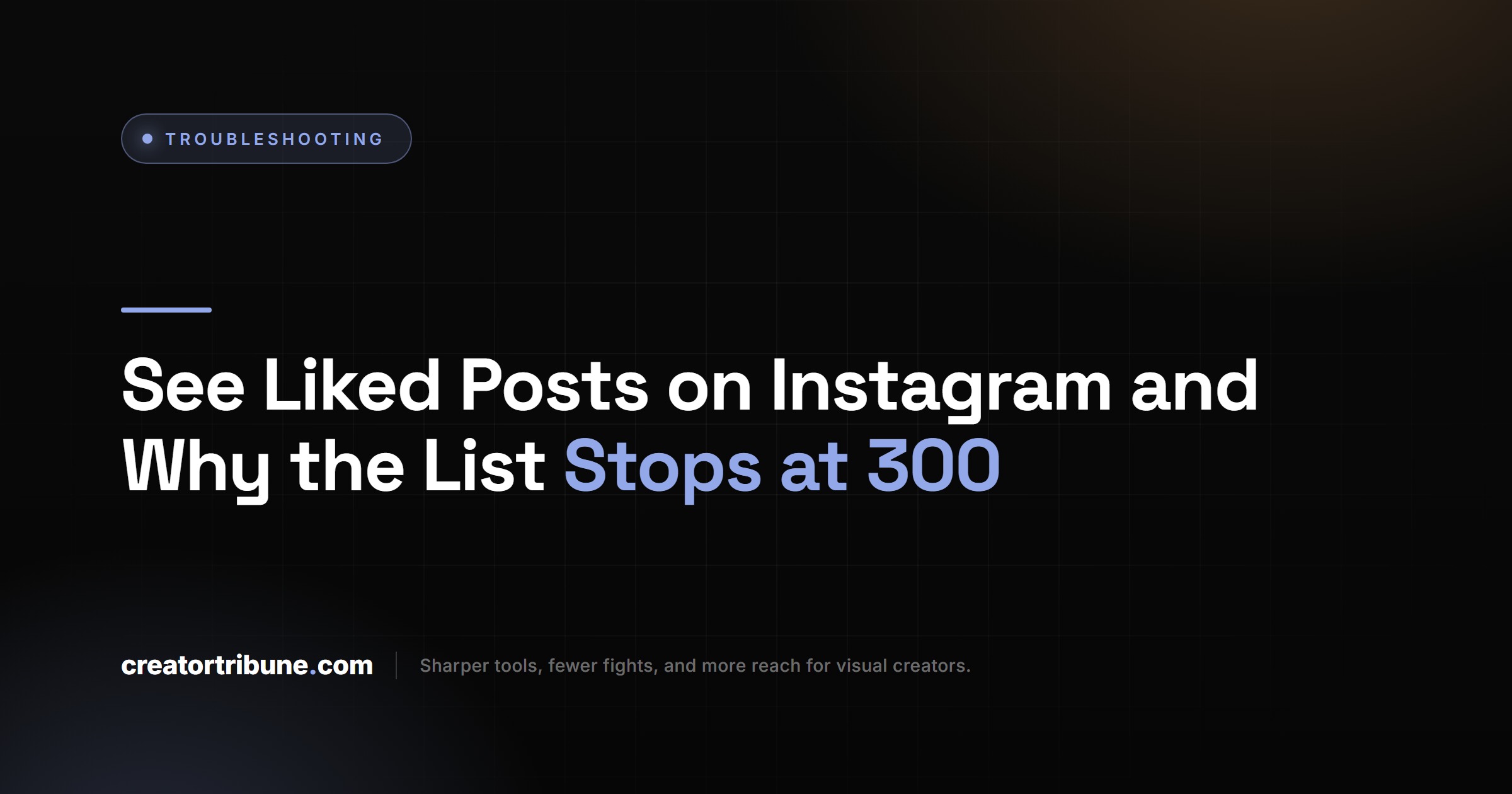
You see liked posts on Instagram in Your activity: tap your profile picture, tap Menu, tap Your activity, then tap Likes under Interactions. The steps are the same on iPhone and Android, and the grid starts with your newest likes.
I go by the labels on Instagram’s help page rather than old screenshots, because the menu has moved more than once. These are its steps for the app:
- Tap Profile or your profile picture in the bottom right.
- Tap Menu, the three lines in the top right.
- Below How you use Instagram, tap Your activity.
- Below Interactions, tap Likes.
- Tap any post or Reel in the grid to open it.
Photos, videos and Reels all land in this one grid. Open it once now, so you know where it lives before you need it.
Where Did Posts You’ve Liked Go on Instagram?
Posts You’ve Liked left Instagram’s Settings menu between November 2021 and March 2022, when Instagram moved liked posts into Your activity, according to copies of its help page. The 300 limit did not change between those copies.
A November 2021 copy of the help page still said to tap Settings, then Account, then Posts You’ve Liked. A copy from March 5, 2022 already pointed to Your activity, Interactions and Likes. That history is why I distrust any guide that opens with Settings, since it was written for a menu that is gone.
| Help page copy | Where liked posts lived | Computer route | Limit |
|---|---|---|---|
| June 2013 | Profile options menu, Photos You’ve Liked | Not mentioned | 300 most recent photos |
| September 2015 | Account settings, Posts You’ve Liked | Not on the web | 300 most recent posts |
| November 2021 | Settings, Account, Posts You’ve Liked | Not on Instagram.com | 300 |
| March 2022 | Your activity, Interactions, Likes | Still not on Instagram.com | 300 |
| 2023 | Your activity, Likes | Added in August 2023 | 300 |
| November 2026 (live) | Your activity, Interactions, Likes | Menu, Your Activity, Interactions, Likes | 300 |
Source: archived copies of Instagram’s help page on liked posts from the Internet Archive, plus the live page on November 9, 2026.
How Do You Find a Specific Liked Post on Instagram?
To find one liked post on Instagram, use the filters at the top of the Likes screen. Newest to oldest sets the order, All dates sets a date range, and All authors picks the account that posted it. The Likes screen in current versions adds a posts-or-Reels choice that the help page does not list yet.
Instagram documents those filters on its page about removing likes: “Tap All dates to filter likes in a specific date range. Tap All authors to filter likes by account, then tap Apply.” On a computer, the same controls sit behind Sort & Filter at the top of the Likes page. There is no search box, so a half-remembered caption will not find the post, but the account name and a rough month will.
The author filter is the one I set first, since I remember who posted something long after I forget when. A date range only goes on if that account still fills the screen.
Before: you scroll the Likes grid from the top, past weeks of Reels, hunting for a bread recipe you liked sometime in spring.
After: you set All authors to the bakery’s account and All dates to March 1 through May 31, and the grid shrinks to the few posts that match.
Oldest to newest stops at the oldest of your 300 most recent likes, so it rarely reaches the first post you ever liked.
How Do You Unlike Multiple Posts on Instagram at Once?
To unlike several posts at once, open Likes in Your activity, tap Select in the top right, tap each post you want to drop, then tap Unlike at the bottom and confirm. The filters work here too, so you can clear one account’s posts in a single pass.
The same help page gives the computer version, where you click Select in the top right and can use Sort & Filter before you pick. Picking posts out of an unfiltered grid is slow work, so I only bulk-unlike after setting the author filter.
Why Does Instagram Only Show 300 Liked Posts?
Instagram keeps your likes as a rolling list of your 300 most recent, so each new like pushes the oldest one off. Its help pages give no reason for the number, and they have named the same limit since at least June 2013.
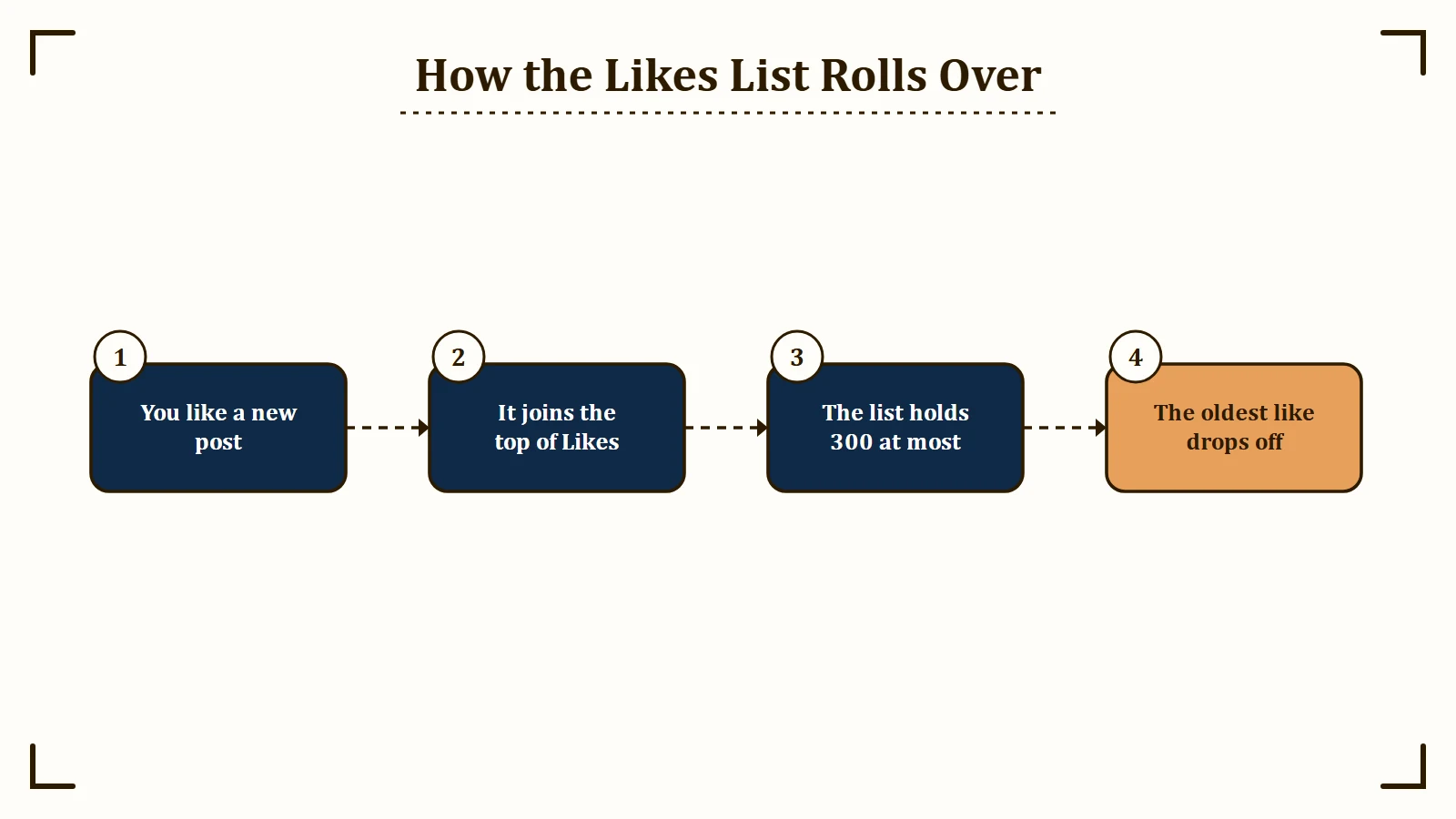
The list can also hold fewer than 300 posts. Instagram’s page on removing likes says, “If someone has deleted a post you previously liked, you won’t be able to see it,” and a like you took back drops off as well.
Saving is how I keep any post I want to find again. Instagram’s page on saving says a saved post is “visible to you from a private section of your profile,” and you open that section, along with any collections you made, from Menu, then Saved.
Can You See Liked Posts Older Than 300 on Instagram?
Not in the app, but you can request Instagram’s data export and include your likes in it. Instagram does not say whether the export stops at 300 likes, so set the date range to All time and check the oldest date in the file.
Instagram’s export steps run through Accounts Center, which some accounts now see as Meta Account:
- Tap Profile, then Menu in the top right.
- Tap Accounts Center or Meta Account, then Your information and permissions.
- Tap Export your information, then Create export, and pick your Instagram profile.
- Tap Next, choose Export to device, pick likes from the information types, and set the date range.
- Tap Start export.
Instagram says choosing only one type of information makes the file smaller. When the export is ready you get 4 days to download it, and Instagram warns that the link can take up to 30 days to arrive.
Likes you removed will not be in the file, because Instagram says deleted information “will not appear” when you download your information. I’d still request All time, because the oldest date in your own file answers the 300 question for your account in one look.
How Do You See Liked Reels on Instagram?
Liked Reels sit in the same Likes grid as liked posts, under Your activity, Interactions, Likes, and you can filter that grid to Reels only. You open them one at a time from the grid.
That one-at-a-time view is the common complaint. In one r/Instagram thread on Reddit, a reply explains it plainly: “You can view them, but you can’t scroll through them. You can only click in and out of each one.”
Saved Reels do scroll, and the same reply points that out. Any Reel I expect to rewatch goes into Saved instead, since Saved plays like a feed and stays private.
Reposting is the other workaround in that thread, and it is public. A repost lands on a Reposts tab on your profile where your followers can see it, so read how reposting works before you use it as a playlist.
How Do You See Liked Posts on Instagram on a Computer?
On a computer, open instagram.com, click Menu in the bottom left, click Your Activity, click Interactions, then click Likes at the top. Click any post in the grid to open it.
Plenty of advice online still says liked posts cannot be viewed on a computer, and that used to be Instagram’s own line. Its help page said liked posts could not be viewed on the web from at least 2015 through March 2022. The page first covered computers in mid-2023, and by December 2024 its computer steps matched the ones above.
A computer is my pick for a big cleanup, because the wider screen shows more of the grid at once. Click Sort & Filter at the top to set the same date and author filters the app has.
Can You See What Someone Else Liked on Instagram?
No, Instagram has no list of another person’s likes, because it removed the Following tab that showed friends’ activity in October 2019. What remains is the likes list on a single post and the Friends tab in Reels.
TechCrunch reported on October 7, 2019 that the Following tab was being removed starting that day, with the rollout finishing over the rest of the week. TechCrunch also reported that only a small number of people used the tab on a regular basis.
The Friends tab is the closest thing left. Meta launched it globally on August 6, 2025, and it shows public Reels your friends have liked, commented on, reposted or created, with a setting that lets each person hide their own likes.
That setting cuts both ways, so you can hide your own likes from the Friends tab too. I would never type my Instagram password into an app that promises someone else’s full like history.
Why Is the Instagram Likes Page Not Loading?
The Instagram Likes page most likely fails to load because of an app glitch or an Instagram outage, and its error reads “something went wrong loading this screen” next to a refresh icon. If refreshing fails, update the app, then open the same account on a computer to see whether the problem is your phone or Instagram.
The full message, in a screenshot posted to an r/Instagram thread on Reddit, reads: “You are receiving this error because something went wrong loading this screen. Tap the refresh icon below to try again.” Match what you see to a row below.
| What you see | Likely cause | Fix |
|---|---|---|
| “Something went wrong loading this screen” on Likes | An app glitch, or Instagram itself is down | Refresh, update the app, then try a computer |
| A liked post is missing from the grid | Its owner deleted it, or it fell outside your 300 most recent likes | Save posts you want to keep |
| A post you just liked never shows up | The like did not stick | Like it again and watch the heart |
| The grid shows only a few posts | A date or author filter is still set | Reset All dates and All authors |
| Likes from last year are gone | The 300 limit | Request an export with All time |
This is the order I work through, cheapest step first:
- Tap the refresh icon, then close and reopen Instagram.
- Update Instagram from the App Store or Google Play. Instagram’s own steps for managing your likes start with “Make sure you’re using the latest version of the Instagram app.”
- Open the same account on a computer and go to Likes. If it loads there, your account is fine and the app on your phone is the problem.
- Check whether Instagram is down for everyone before you change anything else.
- On Android, clear the cache in Settings, Apps, Instagram, Storage and cache. iPhone has no cache button, so read how to clear Instagram’s cache before you delete the app and lose your drafts.
My take is that step 3 saves the most time, because it tells you in a minute whether to fix the phone or wait for Instagram. If a post you liked never appears at all, the like itself failed, and Instagram undoing your likes has its own set of causes.
Quick Takeaways
- Your liked posts, videos and Reels are all in Your activity, then Likes under Interactions, four taps from any screen.
- Instagram shows only your 300 most recent likes, a limit its help page has stated since June 2013.
- Set All authors first and add All dates second to find one post without scrolling.
- If you need likes older than your last 300, request the export today, because the download link can take up to 30 days to arrive.
- Save anything you want to keep, since the Likes list drops older posts and the export may not reach back far enough.