Why Instagram Says Message Failed to Send and How to Fix It
Why Instagram Says Message Failed to Send and How to Fix It
Instagram says message failed to send for two very different reasons. Learn to tell a connection glitch from an action block, and the retry trap to skip.
- 1Why Does Instagram Say Message Failed to Send
- 2How Do You Tell a Connection Glitch From an Action Block
- 3Why Retrying a Failed Message Makes It Worse
- 4What Are the Safe Instagram DM Limits
- 5How to Fix an Action Block Without Making It Worse
- 6Frequently Asked Questions
- Why do my Instagram messages fail to send to just one person?
- How long does an Instagram message block last?
- Should I keep trying to resend a failed Instagram message?
- Why can my new Instagram account barely send DMs?
- How do I message someone who does not follow me on Instagram?
- 7Quick Takeaways
TL;DR: When Instagram says your message failed to send, it is either a fault on your side like a weak connection or an action block Instagram placed on your account. The fastest way to make it worse is to keep tapping send, which resets the block timer and flags you as a bot. Diagnose the cause first, then apply the matching fix.
You type a message, hit send, and Instagram throws back the same gray line: message failed to send. Your first instinct is to tap send again, and again. On Instagram, that instinct is the single worst move you can make.
The reason it fails splits into two very different buckets. One is a fault on your side, a weak signal, an outdated app, or an Instagram outage. The other is an action block, a restriction Instagram put on your account because your activity looked automated.
Here is the part almost no one tells you. Each time you retry a blocked message, Instagram reads it as a bot hammering the endpoint, resets your penalty timer, and can stretch a short timeout into a multi-day ban.
The winning move is to diagnose the cause first, then apply the one fix that matches it. Rushing to a random fix is what turns a ten-minute problem into a multi-day one.
This guide walks through both buckets, the exact error wordings, and the safe messaging limits that keep you out of trouble.
Why Does Instagram Say Message Failed to Send
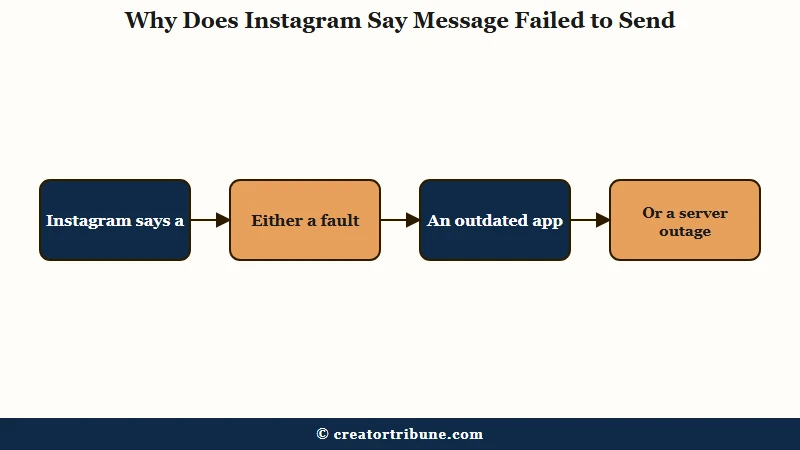
Instagram says a message failed to send for one of two reasons: a fault on your side like a weak connection, an outdated app, or a server outage, or an action block Instagram placed on your account for activity that looked automated or spammy.
The fix is completely different depending on which one you have.
The way I see it, most people waste an hour on the wrong fix because they never stop to ask which bucket they are in. A connection fault clears the moment your signal returns. An action block does not care about your Wi-Fi.
You can usually spot the difference in the error text. A plain “Couldn’t send” or a message stuck with a retry arrow points to a connection or app glitch. A popup that reads “Try Again Later” or “We restrict certain activity to protect our community” is an action block, and that one needs patience, not persistence.
What is an action block: A temporary restriction Instagram places on an account when its behavior trips the spam filter, blocking likes, follows, comments, or messages for a set period.
How Do You Tell a Connection Glitch From an Action Block
You can tell a connection glitch from an action block by the error wording and by whether the problem follows you across networks.
A glitch fails quietly or clears on cellular data, an action block shows a named popup, and a recipient block hides that person’s whole profile from you.
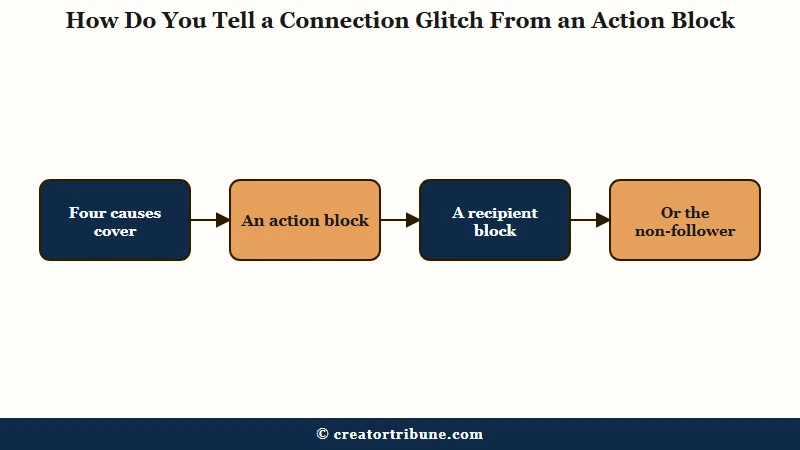
Four causes cover almost every failed message, and each one leaves a different fingerprint. The way I read it, matching your exact symptom to the cause is the whole game, so do that before you touch a single setting.
| What you see | Most likely cause | What it means |
|---|---|---|
| Fails with no specific popup, or works on cellular but not Wi-Fi | Connection or app glitch, or an Instagram outage | Your side. A network switch or app update usually clears it |
| “Try Again Later” or “We restrict certain activity” popup | Action block on your account | Instagram’s side. Stop sending and wait it out |
| Fails only to one person, whose profile you cannot find in search | That person blocked you | Nothing to fix. A blocked sender cannot DM, tag, or find the profile |
| One message to a non-follower goes through, the second fails | The non-follower invite rule | You get one text-only invite until they accept the chat |
That last row surprises people the most. If you message someone who does not follow you, Instagram allows exactly one text-only invite, and it blocks any image, video, voice note, or follow-up until the recipient accepts.
If your first message landed but the second bounced, you are not blocked, you are just waiting on an accept. Our guide on Instagram action blocks breaks down the popup version in more detail.
Why Retrying a Failed Message Makes It Worse
Retrying a failed message makes it worse because each attempt resets your block timer and signals Instagram’s spam system that you are sending programmatically, which can turn a few-hour timeout into a multi-day restriction. Doing nothing is often the fastest fix.
This is the counterintuitive core of the whole problem. Every other app trains you to retry when something errors out, so on Instagram people panic-tap send five or six times and quietly triple their own ban. What I would do instead is treat the first failure as a signal to fully stop.
Here is the sequence I would follow the moment an action block appears:
- Stop sending, liking, and following immediately. Every blocked action extends the timer.
- Log out of the app, or close it entirely, so background retries stop firing.
- Wait a full 24 to 72 hours without testing whether the block has lifted.
- Check Settings, then Account Status, for any specific violation before you resume.
The wait feels endless, but a first-time messaging block usually clears within 24 to 48 hours on its own. Repeat offenses run 3 to 7 days, and if you keep poking the block it can escalate to a two-week feature restriction. If you suspect the app itself is broken rather than your account, confirm the platform is healthy first with our check on whether Instagram is down.
What Are the Safe Instagram DM Limits
Safe Instagram DM limits scale with account age. New accounts under 30 days can send roughly 20 to 50 messages a day, established accounts 150 to 200, and official API automation is capped at about 200 messages per hour.
Blowing past these caps is the most common trigger for a failed message.
The account-age part catches new creators off guard, and it is the first thing I would check on any account under a month old. A fresh account has no trust score, so Instagram watches it closely and blocks it fast. Volume is only half the story though, because pace and repetition trip the filter even when your daily total is low.
| Account age | Safe daily DMs | Cold DMs to non-followers |
|---|---|---|
| New, under 30 days | 20 to 50 | 5 to 10 before a block |
| Growing, 30 to 180 days | 80 to 120 | 10 to 20 |
| Established, 180 days plus | 150 to 200 | 20 to 30 |
| Official API automation | About 200 per hour | Only within a 24 hour engagement window |
Three hard ceilings sit on top of those numbers. A single DM caps at 1,000 characters, firing about 40 messages in three minutes flags you as a bot no matter your daily total, and pasting the identical message more than 10 times in a row triggers a block on its own. Instagram carries more than 2 billion monthly users, so its spam system is tuned to catch pattern behavior, not just volume.
Before: A new creator fires 30 identical “love your page, check my link” DMs in ten minutes. The account is action-blocked by message 12, and the retries push the block to three days.
After: The same creator sends 8 personalized messages spaced across the day, each written fresh. No block, and the replies convert because the messages read like a person wrote them.
How to Fix an Action Block Without Making It Worse
To fix an action block without making it worse, stop sending, remove any third-party link from your bio, and wait 24 to 72 hours before testing. The right technical fix depends on your cause, because a VPN or reinstall helps a connection glitch but hurts an action block. Diagnose before you act.
The bio-link trick is the one that surprises people. Several users clear a stubborn “we restrict certain activity” error by deleting a Linktree or shop URL from their bio, logging out, then logging back in. What I would recommend is trying that before anything drastic, since it costs you nothing and reverses in seconds.
The messy part is the contradictory advice floating around, and the honest answer is that it depends on your bucket from earlier.
- If it is a connection glitch, switch between Wi-Fi and cellular, update the app, or clear the cache on Android to fix a corrupted local file.
- If it is an action block, do NOT switch on a VPN or reinstall the app. A shared VPN IP and a fresh install both read as suspicious new-device behavior and can extend the block.
- Revoke any third-party growth or auto-liker apps in Settings, even ones you authorized once and forgot.
- If messaging still fails after the wait, open Account Status and follow the appeal or identity-verification steps.
One more distinction saves a lot of confusion. If a single person stopped receiving your DMs, they may have restricted rather than blocked you. A restricted sender’s messages still send but land silently in the recipient’s Message Requests folder with no read receipts, while a full block hides the profile entirely.
Knowing which one you are dealing with tells you whether to wait or move on. It is the same “own your audience” logic behind our Creator Money Page rather than depending on a DM channel Instagram can throttle. If your account keeps tripping flags, our Instagram integrity ban fix covers the deeper recovery path.
Frequently Asked Questions
Why do my Instagram messages fail to send to just one person?
That person likely blocked you, so your messages will not deliver and their profile disappears from search. If their account is private and set to receive DMs from followers only, you have to follow them and be accepted first.
How long does an Instagram message block last?
A first-time action block usually lifts within 24 to 48 hours. Repeat blocks run 3 to 7 days, and continuing to send during a block can push it to two weeks or longer, so stop sending and wait.
Should I keep trying to resend a failed Instagram message?
No. Retrying during an action block resets the timer and signals bot behavior, which extends the restriction. Stop all activity, log out, and wait 24 to 72 hours before testing again.
Why can my new Instagram account barely send DMs?
New accounts under 30 days have no trust score, so Instagram caps them at roughly 20 to 50 DMs a day and blocks fast. The limit rises as the account ages and shows consistent, human activity.
How do I message someone who does not follow me on Instagram?
You get one text-only message invite to a non-follower. Images, videos, voice notes, and any follow-up message are blocked until the recipient accepts your chat request.
Quick Takeaways
- A failed message is either your connection or app, or an action block on your account, and each needs a different fix.
- Never keep tapping send during a block, every retry resets the timer and signals bot behavior.
- Match your symptom to the cause first: a named popup is an action block, a vanished profile is a recipient block.
- New accounts should stay under 20 to 50 DMs a day and never paste the same message more than a few times.
- For an action block, remove your bio link and wait 24 to 72 hours, and skip the VPN or reinstall that helps only a connection glitch.