Instagram Selfie Verification Not Working and How to Fix It
Instagram Selfie Verification Not Working and How to Fix It
Instagram selfie verification not working or stuck on uploading? Here is why it fails to recognize your face and the exact order to fix it.
- 1Why Instagram Selfie Verification Keeps Failing
- 2What Instagram Is Really Checking in Your Selfie
- 3How to Fix Instagram Selfie Verification in Order
- 4What the Stuck and Error Messages Really Mean
- 5How Faceless Creators Pass the Selfie Check
- 6How to Recover a Locked Account When Nothing Works
- 7Is It Safe to Give Instagram Your Face
- 8Frequently Asked Questions
- Why does Instagram keep failing my video selfie?
- How long does Instagram selfie verification take?
- Can I use my ID instead of a video selfie?
- What does “we limit how often you can do certain things” mean?
- Is it safe to give Instagram my face for verification?
- 9Quick Takeaways
TL;DR: Instagram’s video selfie is not a generic liveness check. It matches your face against the photos already on your profile, so faceless and brand accounts fail it automatically. The fastest fix is to stop retrying, switch off Wi-Fi and VPN, and submit one clean attempt on cellular data, then wait out the cooldown if it still loops.
Most guides treat Instagram selfie verification not working as a camera bug. They tell you to clean your lens, find better light, and try again, which is exactly the advice that gets people locked out for weeks.
Here is the part nobody leads with. That video selfie is not just proving you are a live human. Meta turns your face into a numerical model and tries to match it against the face photos already on your account, so if your profile is a logo, a pet, or a faceless brand page, the check can fail no matter how perfect your lighting is.
That single fact changes how you should approach the whole process, and it hits creators hardest because so many of us run faceless or brand-first accounts. So this guide gives you the real reasons the check fails, the exact order to try fixes in so you do not burn your attempts, and the workarounds that get faceless accounts through.
Let us start with why it keeps rejecting you.

Why Instagram Selfie Verification Keeps Failing
Instagram selfie verification usually fails for one of three reasons: no clear face photos on your profile to match against, a network or device setting silently blocking the upload, or a rate-limit cooldown from too many rapid retries.
Bad lighting is real but it is rarely the actual cause.
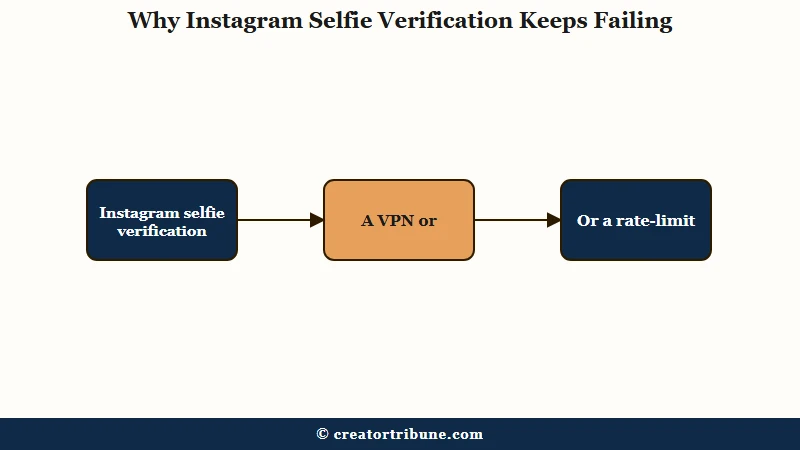
The match problem is the one creators miss. If your grid is products, memes, or scenery and your profile picture is a logo, the system has no baseline face to compare your selfie to, so it returns “couldn’t confirm your identity” even on a flawless recording. I have come to treat that error as a profile problem first and a camera problem second.
The silent blockers are the next layer. A VPN, iCloud Private Relay, a custom DNS, an ad blocker, or a strict school or office Wi-Fi will quietly kill the upload, and so will iPhone Low Power Mode, almost-full storage, or a clock that is not set to automatic. None of these throw a clear error, which is why people blame the camera.
Then there is the trigger itself. Instagram asks for a selfie when its risk systems see something unusual, like a login from a new device or city, a password reset, or the use of third-party follower and analytics apps. If you keep getting checked, the same behavior that locked the account down is covered in our guide to the Instagram integrity ban.
What Instagram Is Really Checking in Your Selfie
Instagram is running two different face systems, and confusing them is why fixes fail.
Identity confirmation matches your selfie to your existing profile photos, while age estimation guesses how old you look without matching you to anything.
The identity version is the one tied to account recovery, and it is the one that needs a face on your profile to work. The age version is a separate model that estimates whether you clear an age threshold, and it carries documented bias against people of color and transgender and non-binary users, which the Electronic Frontier Foundation has flagged as a real risk of these scans.
What surprised me is how mechanical the identity match is. There is usually no human watching your video. Meta generates an embedding, a string of numbers describing your facial features, compares it to your profile pictures, and if the confidence is high enough it clears you in about a minute.
Here is how the most common failure causes line up against the sign you will see and the fix that moves the needle.
| Why it fails | The sign | The fix |
|---|---|---|
| No face on profile | Couldn’t confirm your identity | Add a clear selfie for the system to match |
| Network blocking upload | Spinner or stuck on uploading | VPN off, switch to cellular data |
| Too many retries | Please try again later | Stop, wait out the cooldown |
| Phone setting | Camera will not open or upload hangs | Low Power off, free storage, clock to auto |
How to Fix Instagram Selfie Verification in Order
The fix that matters most is the one nobody mentions: stop submitting.
Every failed attempt in a row pushes you closer to a cooldown, so the order you try things in matters more than any single trick.
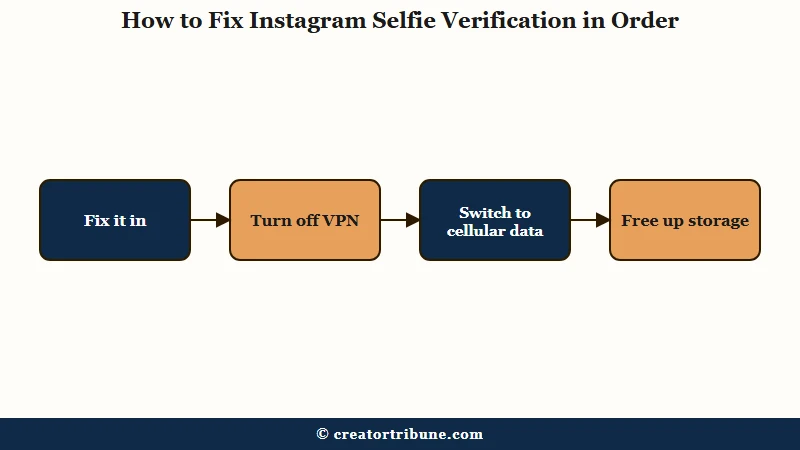
The single biggest mistake I see is panic-retrying. Each rapid resubmission can flip a normal review delay into a hard rate limit, and then the only fix is time. Run the checks below in order and give the system one clean attempt, not ten frantic ones.
- Stop retrying immediately if you have already failed two or three times in a row.
- Confirm Instagram has camera permission in your phone settings and turn off Low Power Mode.
- Free up storage so the video can compress, and set Date and Time to automatic.
- Turn off any VPN, Private Relay, or ad blocker, then switch from Wi-Fi to cellular data.
- Record in even front light with no hat or sunglasses, holding the phone at arm’s length.
- When prompted to turn your head, move quickly and finish the motion in five to six seconds so the video file stays small enough to upload.
- If it still loops, stop completely and wait out the cooldown before one final clean attempt.
That head-movement timing is a genuinely useful detail. A slow, drawn-out turn produces a larger video file that times out on weaker connections, while a brisk turn keeps the upload light. Here is the difference in approach that decides whether you get back in fast or stay locked out.
Before: You fail once, immediately retry, fail again, retry six more times in five minutes, and now every attempt returns “try again later” for a week.
After: You fail once, switch off Wi-Fi and VPN, free up storage, record one clean selfie on cellular data with a quick head turn, and let it process without touching the app again.
What the Stuck and Error Messages Really Mean
A stuck spinner almost never means your camera is broken. It usually means a network blocked the upload or you have hit a cooldown.
Reading the exact message tells you whether to change a setting or simply wait.
The most important one to recognize is the cooldown notice. When Instagram says something like “to prevent any misuse, we limit how often you can do certain things, please try again later,” that is a hard rate limit, not a glitch, and more attempts only extend it.
This is the same family of restriction covered in our breakdown of the Instagram action block.
| Message you see | What it really means | What to do |
|---|---|---|
| Couldn’t confirm your identity | The selfie did not match your profile photos | Add a clear face photo, then retry once |
| Stuck on uploading information | A VPN, DNS, or weak network is blocking it | Turn off VPN, use cellular, free storage |
| Please try again later | You hit a rate-limit cooldown | Stop for 24 to 48 hours, then one attempt |
| Camera will not open | App permission or Low Power Mode | Grant camera access, disable Low Power Mode |
How Faceless Creators Pass the Selfie Check
Faceless and brand accounts pass by giving the system a face to match before they submit the video.
Since the check compares your selfie to your existing photos, an account with no clear face photo is set up to fail until you fix that gap.
The cleanest workaround here is the cross-post trick. Create a second account, take one clear, well-lit selfie, and get that photo onto the locked account however you can so the matching system finally has a real reference image to compare your video against. It feels indirect, but it solves the exact problem that sinks logo and meme pages.
If you run a brand page, the longer-term fix is to seed one or two real face photos onto the account before you ever get flagged. A business that is later asked for an ID runs into the same wall when the profile name does not match a legal name, so having a verifiable human attached to the account early saves a painful recovery later.
When a faceless account does get locked, the recovery path overlaps heavily with our guide to an Instagram account suspended by mistake.
How to Recover a Locked Account When Nothing Works
When the selfie loop will not clear, the proven path is patience plus a change of device or network, not brute force.
Waiting 7 to 14 days with zero attempts clears the flagged state, and a fresh submission from a desktop browser often goes through within the hour.
There is a real split in what people report here, and you should know both sides. The wait-it-out camp, including support technicians, says repeated failures create a cooldown and the only cure is to stop trying.
The brute-force camp swears they only got back in after 30 to 60 attempts over several weeks. The catch is that every one of those failed tries resets the cooldown clock, so the slow path is usually faster.
A few device-level moves genuinely work when the app is the problem. Logging in on a different device, such as switching from an iPhone to an Android with a new contact email, has cleared the stuck loop for people trapped on one phone.
If your Instagram was linked to Facebook, you can sometimes bypass the selfie entirely by opening Facebook on a desktop, going to two-factor authentication settings, selecting the Instagram profile, and generating new backup codes.
When the account is fully disabled rather than just locked, the formal appeal routes in our Instagram account disabled guide and the steps for an Instagram account hacked recovery are the next stop.
Is It Safe to Give Instagram Your Face
Meta says it deletes the facial scan as soon as the comparison finishes, but the privacy tradeoff is real and worth understanding.
You are handing immutable biometric data to a company in exchange for getting back into your own account.
Meta’s official policy states it deletes the face embedding right after comparing your selfie or ID, whether or not it finds a match, and some in-app prompts mention a 30-day window for ID photos.
Privacy researchers are not satisfied with that, and the broader risks of biometric and age scans are laid out well by digital rights groups tracking these systems. The honest answer is that you are trusting a policy, not a guarantee.
For a creator, the deeper lesson is platform dependence. A failed face scan can lock you out of an audience you spent years building, overnight, with no human to appeal to.
That is the strongest argument I know for owning your audience off-platform so a single verification loop can never erase your whole reach.
Frequently Asked Questions
Why does Instagram keep failing my video selfie?
Instagram fails the selfie when it has no clear face photo on your profile to match against, when a VPN or weak network blocks the upload, or when rapid retries trigger a cooldown. Lighting is rarely the real cause.
How long does Instagram selfie verification take?
A successful automated match confirms your identity in about a minute. If it goes to manual review, you can sit on a “we’re reviewing your info” screen for days, and a cooldown lockout can last 24 hours to two weeks.
Can I use my ID instead of a video selfie?
Yes, Instagram often lets you upload a government ID for manual review when the selfie fails. Make sure the photo is head-on with no glare, all corners visible, and the name matches your account or it will stall.
What does “we limit how often you can do certain things” mean?
That message is a rate-limit cooldown, not a camera error. You have submitted too many times, so stop trying for 24 to 48 hours. More attempts only extend the lockout.
Is it safe to give Instagram my face for verification?
Meta says it deletes the facial scan right after comparing it to your photos. You are still handing over biometric data, so weigh the privacy risk, especially for sensitive or anonymous accounts.
Quick Takeaways
- Instagram matches your selfie against your existing profile photos, so faceless and brand accounts fail until a clear face photo is added.
- The number one fix is to stop retrying, since rapid attempts trigger a cooldown that only time clears.
- Turn off VPN and Wi-Fi, submit one clean attempt on cellular data, and finish the head turn in five to six seconds.
- A failed face scan can lock you out of your whole audience, which is why owning your audience off-platform matters.