How to Hide Your Following List on TikTok Without Going Private
How to Hide Your Following List on TikTok Without Going Private
TikTok lets you hide your following list on a public account with one toggle. Here is the exact setting, what it still shows, and what it will not hide.
- 1Can You Hide Your Following List on TikTok?
- 2How Do You Set Your TikTok Following List to Only Me?
- 3What Does Only Me Still Show on Your Following List?
- 4Hiding Your Following List vs Hiding Your Followers
- 5Does Hiding Your Following List Hurt Your Reach?
- 6Can Anyone Still See Your Hidden Following List?
- 7Frequently Asked Questions
- How do I hide my following list on TikTok without going private?
- Does hiding my following list also hide my follower count?
- If I set my following list to Only me, can people see anything?
- Is hiding my TikTok following list reversible?
- Can a third-party app reveal my hidden following list?
- Why can I still see someone’s following list if it is set to Only me?
- 8Quick Takeaways
TL;DR: TikTok gives you a real setting to hide your following list, and you do not have to go private to use it. Set Following list to Only me under Privacy, and the accounts you follow disappear for everyone. Two catches: mutual follows still show, and your follower count stays public.
If you want to hide your following list on TikTok, you are in a better spot than Instagram users. TikTok built an actual setting for this, and it works on a public account.
That is the part worth leading with. You do not have to lock your whole profile to private just to stop strangers from scrolling through the accounts you follow.
There are two catches most guides gloss over, and I will get to both. One is a mutual-follows loophole that quietly leaves part of your list visible. The other is what this toggle does not touch at all.
Can You Hide Your Following List on TikTok?
You can hide your following list on TikTok with a built-in privacy setting, and your account can stay public.
TikTok lets you set who sees the accounts you follow to Everyone, Friends, or Only me, without forcing you private the way hiding your followers list does.
The way I see it, this is TikTok’s one clear privacy win over its rivals. On a platform with over 1.5 billion global users, per Statista’s TikTok user data, a public following list is a lot of exposure, and TikTok is one of the few apps that lets you close it off directly.
What is the Only me setting: A TikTok following-list privacy option that hides the accounts you follow from every other user while your profile stays public.
There is a real asymmetry here that trips people up. You can hide your following list on a public account, but hiding your followers list is a different job that does require going private. I will break that split down in its own section.
How Do You Set Your TikTok Following List to Only Me?
To hide your following list on TikTok, open Privacy settings, tap Following list under Interactions, and switch it to Only me.
The change applies instantly and you can reverse it any time. This toggle lives only in the mobile app.
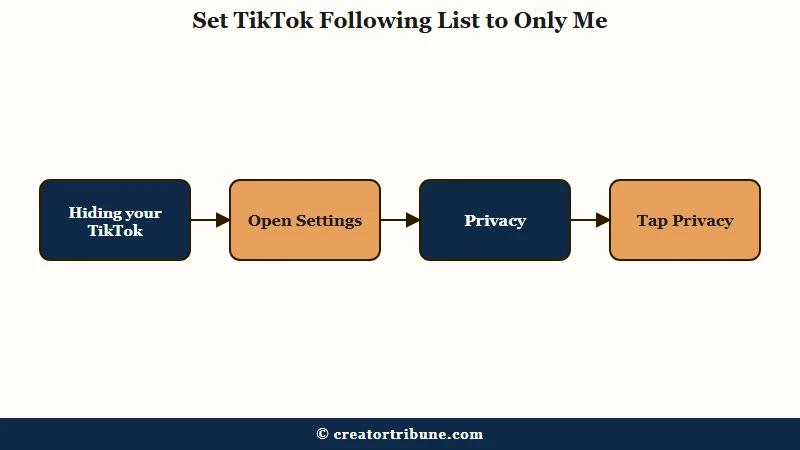
Here is the exact path I would follow on the phone. The labels move around slightly between updates, so match the intent rather than the exact word.
- Open your profile and tap the three-line menu in the top corner.
- Tap Settings and privacy, then Privacy.
- Scroll to the Interactions section and tap Following list.
- Choose Only me to hide it from everyone, or Friends to show it to mutual followers only.
Here is what each of the three options actually does, so you can pick the right one:
| Setting | Who sees your following list | Best for |
|---|---|---|
| Everyone | Any user who visits your profile | New creators who want visible social proof |
| Friends | Only accounts that follow you back | Sharing your list with your inner circle only |
| Only me | Nobody, apart from mutual follows | Maximum privacy on a public account |
That is the whole process, and it takes about ten seconds. Since it is reversible with no cooldown, I would flip it on if you are even slightly unsure, then switch back to Everyone later if you decide you want the social proof.
One practical note from my read of how people use this. If you are hiding your list to do quiet competitor research or to stop an ex from tracking your new follows, Only me is the setting you want, not Friends.
What Does Only Me Still Show on Your Following List?
Only me hides the full list, but it still shows mutual follows and it never hides your follower or following count.
Anyone who visits can still see the accounts you both follow, and the numbers on your profile stay public no matter what.
This is the caveat I most want you to catch, because the guides openly contradict each other on it. Some claim Only me makes the list completely invisible to everyone. TikTok’s own in-app note is more honest: set it to Only me, and other users will still see your mutual friends.
So the accurate version is this. Your full following list goes dark for strangers, but if you and a visitor both follow the same three accounts, that overlap stays visible to them.
Here is what that looks like in practice.
Before: A stranger opens your profile, taps Following, and scrolls every account you follow.
After: With Only me on, that same stranger taps Following and sees nothing, except any accounts they happen to follow too.
The count is the other blind spot. Hiding the list does not hide the number next to it, so people can still see that you follow, say, 812 accounts, just not which ones. If the number itself is the problem, no native setting fixes that.
Hiding Your Following List vs Hiding Your Followers
Hiding your following list works on a public account, but hiding your followers list requires switching to a private account.
TikTok treats the two lists with very different rules, and mixing them up is the most common mistake I see.
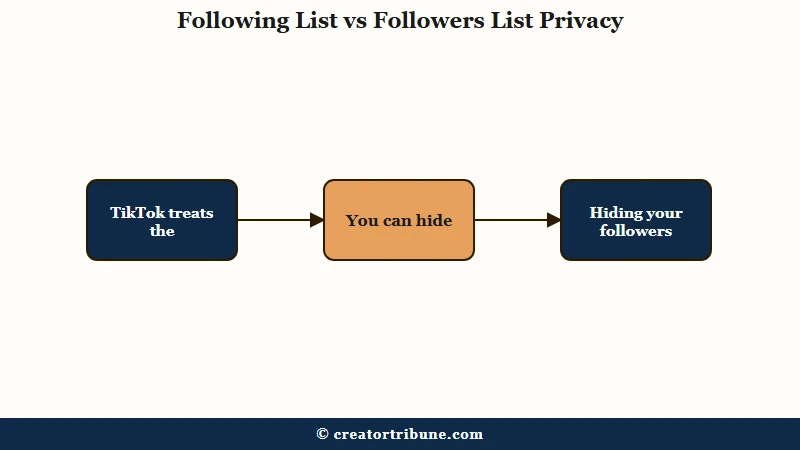
Your following list, the accounts you follow, has its own Only me toggle. Your followers list, the people who follow you, has no such toggle. The only way to restrict who sees your followers is to make the whole account private.
There is a nasty catch with going private, too. It is not retroactive for people who already follow you. Existing followers keep full access to your followers list, so to truly cut them off you have to open your followers and remove each one by hand.
| Goal | What it takes | Account stays public? |
|---|---|---|
| Hide who you follow | Set Following list to Only me | Yes |
| Show list to mutuals only | Set Following list to Friends | Yes |
| Hide who follows you | Switch account to private | No |
| Hide follower or following count | Not possible natively | N/A |
If your real goal is broad privacy rather than one list, our Instagram version of this guide is worth a look too, since Instagram handles the same request very differently.
Does Hiding Your Following List Hurt Your Reach?
Hiding your following list does not hurt your reach, views, or growth on TikTok. The setting is a profile-visibility control, and it sits completely apart from how the For You feed ranks and pushes your videos.
I want to be direct because there is some fear around this. Flipping Following list to Only me does not shadowban you, does not throttle your views, and does not affect likes, comments, shares, or Duets. Your content competes on the For You page exactly as before.
The behavior that genuinely suppresses reach is aggressive follow-and-unfollow churn, which trips TikTok’s daily follow limits, not a quiet privacy toggle.
The one honest tradeoff is social proof, not reach. A visible following list can make a new profile look more credible or connected, so a brand-new creator chasing followers might keep it public on purpose. For most people guarding their privacy, that tradeoff is easy.
What is Family Pairing: TikTok’s official parental-control feature that links a parent’s account to a teen’s so the parent can manage settings without third-party spy apps.
One thing worth knowing if you manage a younger user’s account. TikTok already sets accounts for ages 13 to 15 to private by default, so a young teen may not need to touch this setting at all.
Can Anyone Still See Your Hidden Following List?
Once your following list is set to Only me, third-party apps and websites cannot reliably pull it, because TikTok does not expose hidden lists through its public data.
The realistic risks are narrow, and none of them involve a magic viewer app.
I would treat any tool or site promising to reveal a hidden TikTok following list as a scam. TikTok filters that data at the source, so these apps either return nothing or harvest your login. The only legitimate way a parent monitors a hidden list is TikTok’s own Family Pairing, not a spy app.
Two real gaps are worth naming so you know the limits. Determined users sometimes exploit UI glitches, like swiping back from a suggested profile, to catch a flash of activity, and shady tools occasionally surface a private account’s reposts. Neither is a stable way to read your full following list, but do not assume a hidden list is a bank vault.
The bigger leak most people miss is discovery. If you want to stay low-profile, also turn off Suggest your account to others in Privacy, or TikTok can still recommend your supposedly quiet profile to your phone contacts. Pair that with checking who views your profile so you know exactly what a stranger can piece together.
Frequently Asked Questions
How do I hide my following list on TikTok without going private?
Open Settings and privacy, tap Privacy, then Following list under Interactions, and set it to Only me. Your account stays public, and only the accounts you follow are hidden from other users.
Does hiding my following list also hide my follower count?
No. The Only me setting hides which accounts you follow, but your follower and following numbers stay publicly visible on your profile. TikTok has no native way to hide the counts themselves.
If I set my following list to Only me, can people see anything?
Mostly no, with one exception. Other users can still see accounts that both you and they follow, since TikTok always shows mutual follows. Everyone else you follow stays hidden.
Is hiding my TikTok following list reversible?
Yes. The setting applies instantly and you can switch it back to Everyone or Friends at any time with no cooldown. It has no effect on your reach or engagement either way.
Can a third-party app reveal my hidden following list?
No reliable app can. TikTok does not expose hidden following lists through its public data, so tools claiming to reveal them are usually scams or credential-phishing traps. Parents should use Family Pairing instead.
Why can I still see someone’s following list if it is set to Only me?
You are almost certainly a mutual follow. TikTok shows shared accounts even when a list is set to Only me, so the accounts you both follow remain visible while the rest of the list is hidden.
Quick Takeaways
- TikTok lets you hide your following list on a public account by setting Following list to Only me under Privacy.
- Only me still shows mutual follows to visitors, and it never hides your follower or following count.
- Hiding who you follow keeps your account public; hiding who follows you requires going fully private.
- Going private is not retroactive, so remove existing followers by hand if you need them gone.
- Ignore any app promising to reveal a hidden list, and turn off account suggestions for real low-profile privacy.