Eklipse Review and the Three-Clip Free Trap
Eklipse Review and the Three-Clip Free Trap
Eklipse turns streams into clips automatically, but the free plan caps you at three. Here is who it fits and who should skip it.
- 1What Is Eklipse and Who Is It For
- 2How Much Does Eklipse Cost
- 3How Good Is Eklipse at Finding Clips
- 4Where Eklipse Falls Short
- 5How Eklipse Compares to Opus Clip and Other Clippers
- 6Eklipse Pros and Cons
- 7Verdict and Who Should Skip Eklipse
- 8Frequently Asked Questions
- Is Eklipse free to use?
- Does Eklipse put a watermark on clips?
- Is Eklipse good for podcasts or non-gaming content?
- How does Eklipse compare to Opus Clip?
- Can you get a refund from Eklipse?
- 9Quick Takeaways
Bottom Line: Eklipse is the strongest automatic clipper for gaming streamers on Twitch, Kick, and YouTube, where its AI catches kills and big moments well. It is the wrong tool for podcasts or talking-head content, and the free plan is a three-clip demo, not a real free tier. This Eklipse review covers pricing, accuracy, the complaints that matter, and who should skip it.
Most clipper tools sell you on the same dream: stream for six hours, let the AI watch, wake up to a folder of viral shorts. Eklipse leans harder into that pitch than anyone, and for gaming specifically, it earns part of it.
Here is the part nobody puts in the headline. The Eklipse free plan is not a monthly allowance you can lean on while you decide. It is three clips total, for the life of the account, and then you are upgrading or leaving. That single detail reframes the whole tool, so this Eklipse review starts there and works outward.
The way I see it, Eklipse is a sharp, narrow tool wearing a broad-tool marketing suit. If you stream FPS or MOBA gameplay and want kill-feed highlights pulled automatically, it fits. If you record interviews or build faceless content, you will fight it. Either way, you will know exactly which group you are in by the end.
What Is Eklipse and Who Is It For
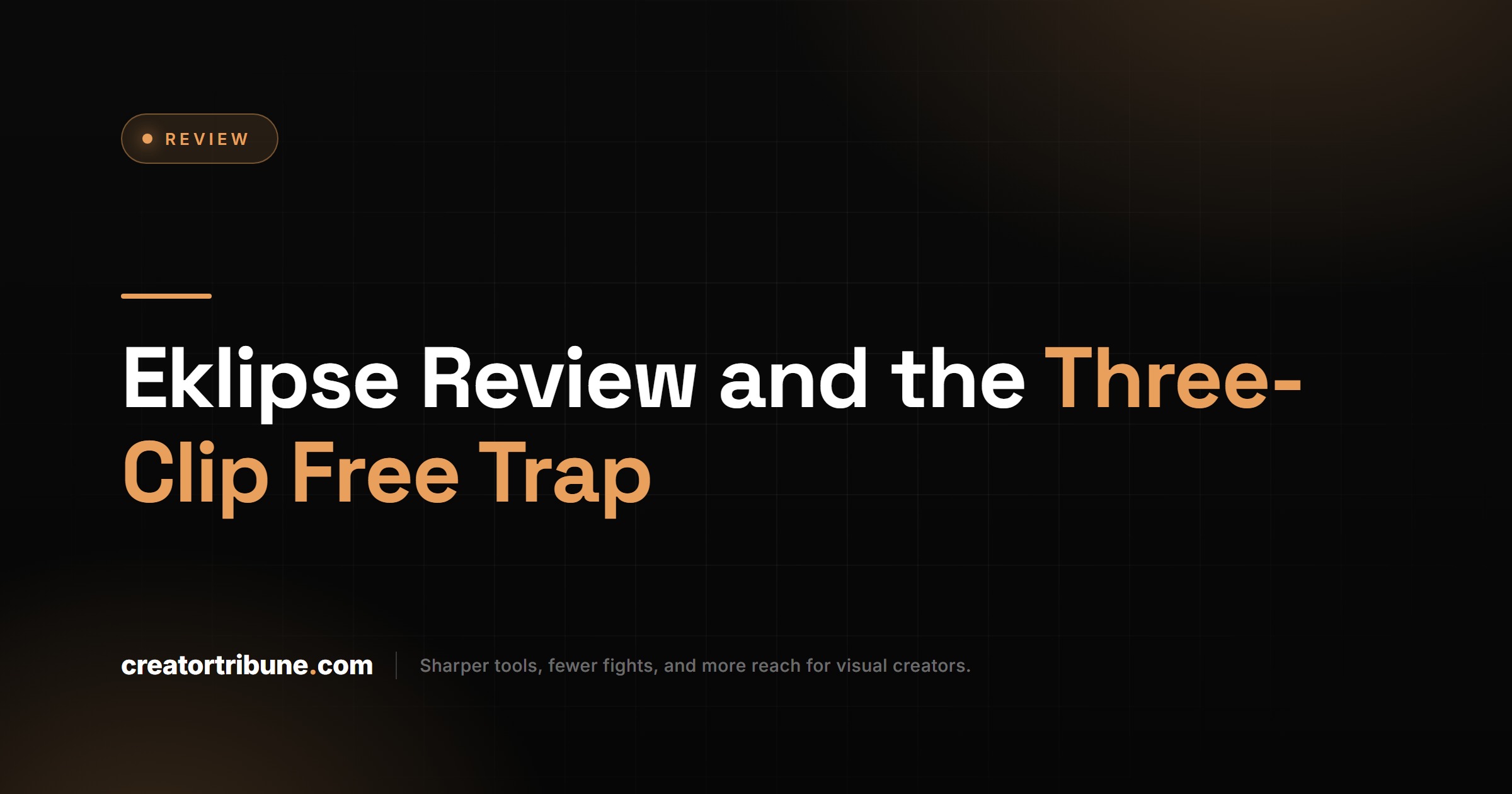
Eklipse is an AI clipping tool built for gaming streamers that scans Twitch, Kick, YouTube, and Facebook broadcasts and auto-cuts the high-action moments into vertical shorts. It is not a general repurposing tool, and that focus is the whole story.
What is an AI clipper: Software that watches long-form video and automatically selects short, shareable moments without you scrubbing the timeline by hand.
The detection model is tuned for gaming signals: kill feeds, viewer-count spikes, and chat sentiment. That is why it reads a Valorant ace or a League teamfight far better than it reads a punchline in a two-hour podcast. The volume of footage involved is not small either. Twitch viewers watched roughly 21 billion hours of content in 2024, and every one of those streams is a clip-mining problem Eklipse was designed to solve.
My honest read is that the target user is narrow and well-served. A gaming streamer drowning in VOD footage gets real value. Anyone outside that lane should look at a general tool like Opus Clip instead, because Eklipse will not understand their content.
How Much Does Eklipse Cost
Eklipse offers a free tier with a watermark and three lifetime credits, with paid plans starting around $11 per month for Pro and $19 per month for Premium. The free tier is a demo, not a workflow.
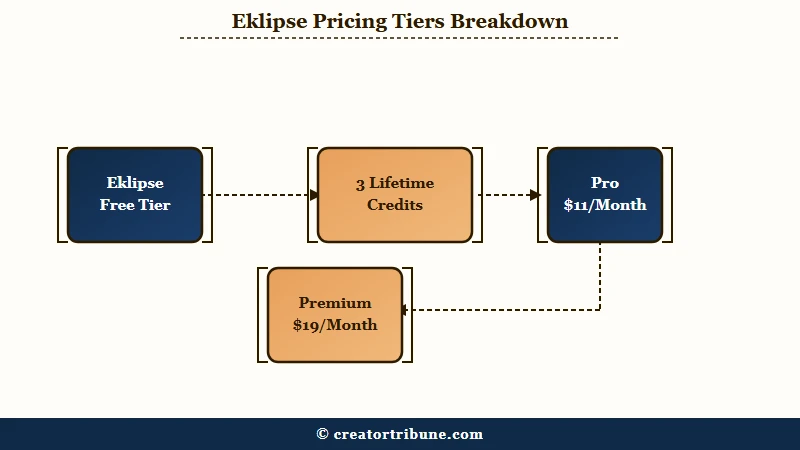
Here is the breakdown I would put in front of anyone weighing the plans.
| Plan | Price | Quality and watermark | Key limits |
|---|---|---|---|
| Free | $0 | 720p with watermark | Three lifetime credits, one stream processed at a time |
| Pro | From about $11 per month | Watermark removed, higher quality | More monthly credits, faster queue |
| Premium | From about $19 per month | 1080p, no watermark | Highest credit ceiling, VIP passes tied to annual plans |
The cost that matters is not the sticker price, it is the cost per usable clip. I would do that math honestly before paying, because failed renders and irrelevant clips both eat into it.
Before: “Pro is $11 a month, that is cheap.”
After: “Pro is $11 a month, but if a third of the auto-clips miss the moment and one long stream fails to process, my real cost per clip I would be willing to post is higher than the headline.”
One more pricing wrinkle worth knowing: some users have reported being shown a $30 discount code right after they paid full price, and VIP passes only come bundled with annual subscriptions. Check for an offer before you commit to the listed rate.
How Good Is Eklipse at Finding Clips
Eklipse is genuinely good at clipping fast-paced gaming and weak at everything else. The accuracy gap between genres is the single most important thing to understand before paying.
For shooters and battle royales like Call of Duty, Apex, and Fortnite, the kill-feed training pays off and the AI lands on real action. Reviewers have flagged it as surprisingly accurate at catching kills and teamfights in League of Legends specifically, which suggests the model reads MOBAs well too. Slower strategy games and RPGs see noticeably weaker detection.
What I would not trust it with is talking content. For a podcast or a webcam interview, the gaming signals it relies on are not there, so it grabs filler. If that is your content, a transcript-based tool like Vizard or a caption-first editor like Submagic is the better buy.
The flip side of automation is timing. A recurring complaint is that the AI sometimes clips a player just running, or cuts the video the instant after the best moment lands. Auto-detection saves time, but I would still review every clip before posting rather than trusting the queue blind.
Where Eklipse Falls Short
Eklipse’s biggest weaknesses are slow processing, a strict no-refund policy, and a mobile app that cannot do what the website does. These are the issues that turn a cheap subscription into a frustrating one.
Processing speed swings wildly. Some users get highlight notifications about ten minutes after a stream ends, while others report waits of one to five hours. The worst report I came across described streams stuck at 33 percent for a full week before failing outright, which is a real risk if you are trying to clip a long VOD backlog.
The refund stance is the part I would weigh most heavily. Eklipse’s terms state plainly that no refunds will be provided, and some users say they struggled to reach support through email or Discord to sort out billing. If the tool fails to process your footage, you may still be out the money, so treat the first paid month as a test you cannot return.
Two smaller frictions round it out. The mobile app is missing tools that live only on the website, which undercuts a phone-only workflow, and the auto-added memes and stickers are hit or miss. I would turn the automatic creative extras off and style clips myself.
How Eklipse Compares to Opus Clip and Other Clippers
Eklipse wins on gaming, Opus Clip wins on general content, and caption-first tools win on polish. Picking the right one is mostly about what you film, not which is objectively best.
| Tool | Best for | Watermark on free | My quick verdict |
|---|---|---|---|
| Eklipse | Twitch, Kick, YouTube gaming VODs | Yes | Sharpest for FPS and MOBA highlights |
| Opus Clip | General talking-head and mixed content | Yes | The safer pick for non-gaming creators |
| Vizard | Long interviews and webinars | Yes | Strong transcript-based moment finding |
| Submagic | Caption styling on existing clips | Varies | Best when captions are the priority |
Eklipse is also a much smaller player than its rivals, with roughly 4,900 monthly site visits, so you are buying a niche specialist rather than a category leader. That is not a knock if gaming is your lane. If you are repurposing one long upload into a week of shorts across formats, my workflow guide on turning YouTube videos into shorts covers the broader approach that Eklipse alone will not give you.
Eklipse Pros and Cons
Eklipse is worth it for gaming streamers who value speed over polish, and a poor fit for everyone else. Here is the honest split.
What I like about it:
- Gaming detection that reads kill feeds and big plays well.
- Direct pulls from Twitch, Kick, YouTube Live, and Facebook with no manual upload.
- One-click posting straight to TikTok and YouTube Shorts.
- A low entry price at around $11 per month for the Pro tier.
What holds it back:
- The free plan is three lifetime clips, so it cannot sustain a real workflow.
- Processing times are inconsistent and can stall for hours or longer.
- A firm no-refund policy with support that users describe as hard to reach.
- Near-useless for podcasts, interviews, and other non-gaming formats.
Verdict and Who Should Skip Eklipse
Eklipse is worth paying for if you stream gaming and want automatic highlights, and not worth it for anyone making talking-head content. The decision is that clean.
If you are a Twitch or Kick streamer sitting on hours of FPS or MOBA footage, the way I see it, the Pro plan pays for itself in time saved, as long as you go in expecting to review clips and eat the occasional failed render. Budget a test month and check for that $30 code first.
If your content is podcasts, tutorials, vlogs, or interviews, skip it. The AI has nothing to grab onto, and you will get better results from a transcript-based clipper. For caption-heavy short-form, a dedicated tool like Captions will serve you better than forcing Eklipse to do a job it was not built for.
Frequently Asked Questions
Is Eklipse free to use?
Eklipse has a free tier, but it is limited to three lifetime credits and adds a watermark at 720p. It works as a one-time demo, not an ongoing free workflow, so consistent creators will need a paid plan.
Does Eklipse put a watermark on clips?
Yes, the free tier watermarks every export. The Premium plan removes the watermark and unlocks 1080p output, while Pro removes the watermark at lower quality than Premium.
Is Eklipse good for podcasts or non-gaming content?
No. Eklipse is built around gaming signals like kill feeds and viewer spikes, so it performs poorly on talking-head content. A transcript-based tool is a better fit for podcasts and interviews.
How does Eklipse compare to Opus Clip?
Eklipse owns the gaming and Twitch niche, while Opus Clip is the stronger general-purpose choice across mixed content. Pick Eklipse for stream highlights and Opus Clip for everything else.
Can you get a refund from Eklipse?
Eklipse’s terms state that no refunds are provided, and some users report slow support responses. Treat your first paid month as a non-returnable test rather than assuming you can reverse the charge.
Quick Takeaways
- Eklipse is the best automatic clipper for gaming streamers, and a poor fit for podcasts or talking-head content.
- The free plan is three lifetime clips, not a monthly allowance, so it cannot run a real workflow.
- Expect inconsistent processing speeds, a strict no-refund policy, and a weaker mobile app.
- If you stream FPS or MOBA gameplay, test the Pro plan and check for the $30 discount before paying full price.