InVideo AI Review for High Volume Faceless Channels
InVideo AI Review for High Volume Faceless Channels
InVideo AI turns a prompt into a finished video fast, but weekly minutes and silent credit drains catch creators out. Here is what to know before paying.
- 1What InVideo AI Review Sites Miss About the Credits
- 2How Much InVideo AI Costs in 2026
- 3The Weekly Minutes Trap That Drains Your Plan
- 4Where InVideo AI Falls Short on Quality
- 5InVideo AI vs Pictory and Fliki
- 6InVideo AI Pros and Cons
- 7Who Should Use InVideo AI and Who Should Skip It
- 8Frequently Asked Questions
- Is InVideo AI free to use?
- Is InVideo AI worth it for faceless YouTube channels?
- How do I remove the InVideo watermark?
- Can you make money with videos made in InVideo AI?
- How does InVideo AI compare to Pictory and Fliki?
- 9Quick Takeaways
Bottom Line: InVideo AI is worth it for high-volume faceless creators who want a finished video from a single text prompt, with Plus at $25 a month the plan most people should start on. Skip it if you need cinematic storytelling, strict brand control, or you only post a few videos a month, because the weekly-minute meter and silent credit drains punish light and precise users.
This InVideo AI review starts with the warning the marketing pages bury. One creator on the $120 a month Generative plan watched the tool quietly deduct credits for every single frame edit, somewhere between 9 and 17 credits each time, with no prompt and no confirmation. A month’s worth of high-end generation credits vanished on tweaks they assumed were free.
That single mechanic tells you more about InVideo AI than any feature list. The tool is genuinely fast and genuinely capable of turning a sentence into a watchable video, but the billing is built around minutes and credits that expire, double-charge on regeneration, and drain in places you do not expect. For a faceless channel pushing out twenty videos a month, that math decides whether the subscription pays for itself.
This review covers what InVideo AI really costs in 2026, the credit traps that catch creators, where the output quality breaks down, and exactly who should buy it versus who should walk away.
What InVideo AI Review Sites Miss About the Credits
InVideo AI is an AI video agent that writes a script and assembles stock footage and voiceover from a single text prompt, which makes it different from repurposing tools.
Most reviews stop at that pitch and skip the part where the credit meter does the real damage to your budget.
What is an AI video agent: A tool that generates a complete video, including script, stock clips, and voiceover, from one text prompt, instead of editing footage you already have.
The thing I keep coming back to is that InVideo starts from nothing. You type a concept and it builds the whole thing, which is a different job from repurposing content you already have. If you are starting with a finished article, an extraction tool is faster, but if you are starting with an idea, InVideo is the category that fits.
What the glossier reviews gloss over is that this power runs on a metered tank. Every generation spends minutes, every regeneration spends them again, and some edits spend credits you did not know were on the clock. The tool is good. The pricing model is where you get hurt if you do not read it closely.
How Much InVideo AI Costs in 2026
InVideo AI runs four tiers in 2026: Free at $0, Plus at $25 a month, Max at $60 a month, and Generative at $120 a month, with annual billing knocking roughly 20 percent off each.
The jump that matters most is Free to Plus, because that is where the watermark and the commercial license live.
Here is how I would read the plans before paying for any of them. The headline price is not the real cost, the weekly minute allowance is, and I will get to why in the next section.
| Plan | Price per month | What you get | Best for |
|---|---|---|---|
| Free | $0 | 10 AI minutes a week, 720p, visible watermark, no commercial use, smaller stock library | Trying the workflow before you commit |
| Plus | $25, about $20 on annual | 50 AI minutes a week, 1080p, no watermark, commercial license, 80 iStock assets, 2 voice clones | Most solo creators posting regularly |
| Max | $60, about $48 on annual | 200 AI minutes, 4K export, 320 iStock assets, 5 voice clones | High-volume creators who need 4K |
| Generative | $120, about $100 on annual | 200 AI minutes plus 100 generative credits for Sora 2 and Veo 3.1, 5 UGC ad slots | Creators who want cinematic AI footage |
One detail buyers get wrong: 4K export is locked to Max, not Plus. If you are selling 4K work or future-proofing a channel, the $25 plan caps you at 1080p and you have to climb to $60. InVideo competes in text-to-video, which led the AI video generator market at 42.4 percent of share in 2025, so the competition for your subscription is real and worth shopping.
The Weekly Minutes Trap That Drains Your Plan
InVideo AI meters usage in AI generation minutes per week, not per month, and unused minutes do not roll over, so a quiet week throws away part of what you paid for.
Regenerating a video with a new prompt charges the full minute count again, which is where most creators run dry.
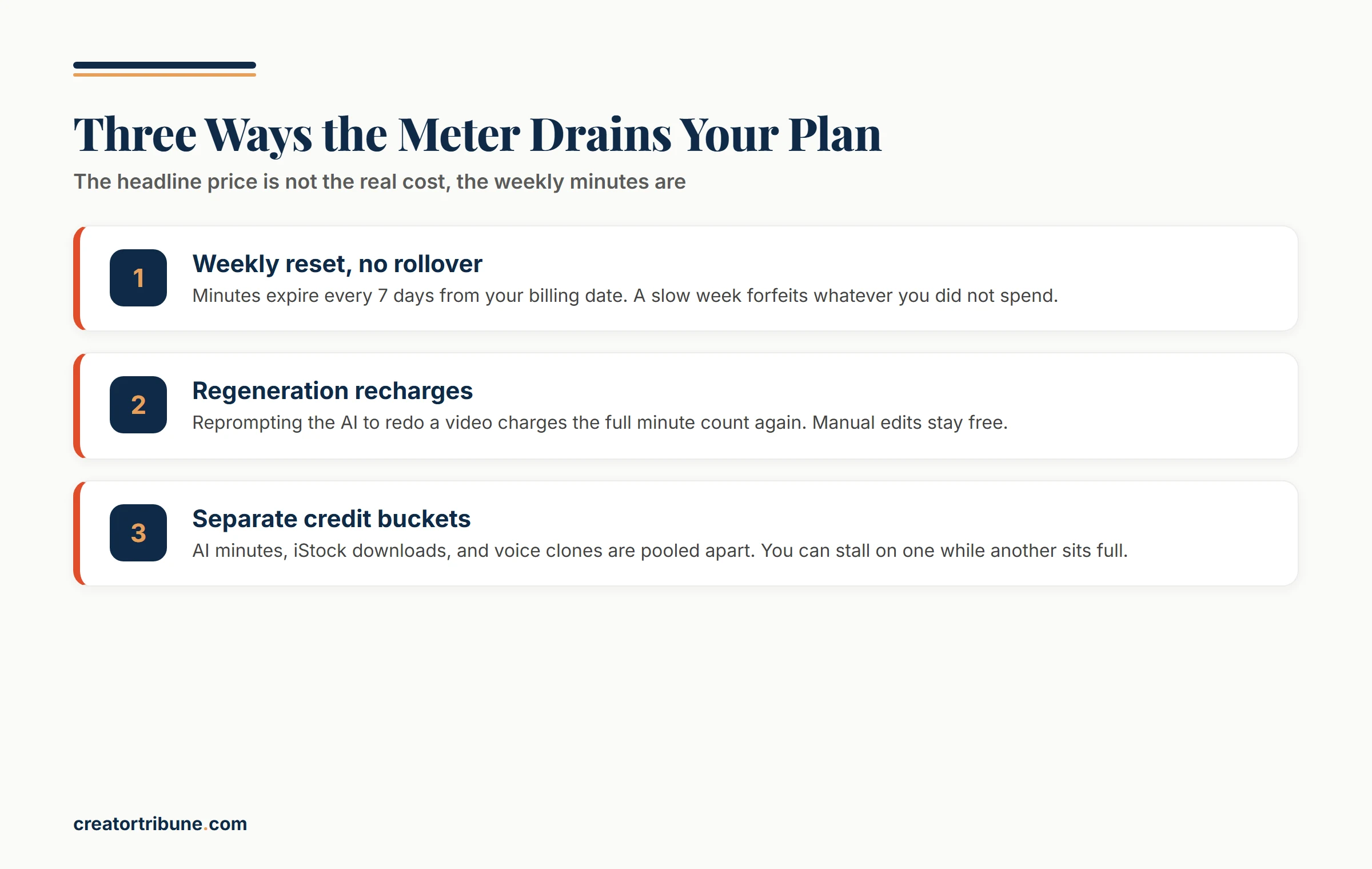
This is the part I would tattoo on the back of my hand before subscribing. The Plus plan’s 50 minutes reset every seven days from your billing date, and Sunday’s leftovers are gone Monday morning. A slow week forfeits whatever minutes you did not spend.
Regeneration is the second drain. Manual edits like swapping a clip or rewriting on-screen text cost nothing, but typing into the AI box to “make scene three more upbeat” spends minutes every time you hit go. Heavy reworking can leave your real output 15 to 25 percent below the advertised limit.
Then there is the multi-pool problem, where AI minutes, iStock downloads, and voice clones live in separate buckets. You can have 100 minutes left and still stall out because your iStock allowance hit zero mid-project.
Before: you budget the Plus plan’s 50 weekly minutes for ten short videos and assume that covers a full month.
After: a few reworded regenerations burn 30 minutes across two clips, your iStock bucket runs dry around video six, and Monday resets the week to zero before the batch is finished.
The fix I would use is scene-level regeneration. Instead of regenerating a whole eight-scene video and paying the full minute cost, regenerate only the scene that failed, which protects the rest of your weekly allowance. It is the single habit that makes the plan limits survivable.
Where InVideo AI Falls Short on Quality
InVideo AI produces clean, watchable stock-driven videos but struggles with narrative pacing, repeats the same images inside short clips, and caps export at 30fps with no timeline-level control.
Treat it as a drafting engine that still needs a human finishing pass on anything that matters.
In a structured quality test, the tool could not handle a trailer prompt that needed rising tension, and instead returned a string of loosely connected scenes with no build and no payoff. The way I read that, InVideo has no director’s sense of story, so anything that needs emotional pacing will need a human pass.
The repetition issue is more practical and more annoying. The agent often reuses the same stock shots within a single short clip and frequently picks images that do not match the script line, which makes high-volume output look automated unless you swap clips by hand. Every manual swap is free, but every reprompt to fix it is not.
For anyone used to a real editor, the ceiling shows up fast. There is no After Effects-style timeline, no frame-level control, and a 30fps export cap, so if your standard is polished motion design, you will outgrow it.
Creators who want that control tend to keep a separate editor in the workflow, which is why I still point people to a solid CapCut alternative for the finishing stage.
InVideo AI vs Pictory and Fliki
InVideo AI is the right pick when you start from a concept, while Pictory wins when you are repurposing existing content and Fliki wins when you want fast voiceover-led videos.
They look similar on a features page but solve different starting points.
The cleanest way I can frame it is by what you bring to the tool. Bring an idea and InVideo builds the whole thing from scratch. Already have a blog post or a webinar recording sitting there? Pictory’s extraction gets you to clips faster. And if you have a finished script that just needs strong narration, Fliki’s voices lead the category.
| Tool | What it is | Best when you start with |
|---|---|---|
| InVideo AI | AI video agent, prompt to full video | A concept and nothing else |
| Pictory | Repurposing tool | An existing blog or long video |
| Fliki | Text to video with strong AI voices | A script that needs narration |
For short-form specifically, I would not treat any of these as your only tool. A faceless channel usually pairs a generator like InVideo with a dedicated clipper, and our Revid AI review covers one of the closer head-to-head options if InVideo’s credit model puts you off.
InVideo AI Pros and Cons
InVideo AI’s strengths are speed, breadth of stock, and true prompt-to-video generation, while its weaknesses are the weekly credit model, shallow storytelling, and quality that needs manual cleanup.
Here is the honest split after weighing the research.
What works in its favor:
- Genuine prompt-to-video generation that produces a finished draft in minutes.
- Large iStock and Storyblocks library on paid plans, with voiceovers in 60 plus languages.
- A full commercial license on every paid tier, so monetized content and client work are covered.
- Fast enough for high-volume faceless channels that need many drafts a week.
Where it frustrates:
- Weekly minute allowance that expires with no rollover, punishing light weeks.
- Regeneration through the AI box recharges the full minute cost every time.
- Silent credit drains on some edits, with costs not shown before you generate.
- Weak narrative pacing and repeated stock images that need a manual pass.
That four-to-four split is the honest picture. I would not call InVideo a scam the way some frustrated users do, but I understand exactly how someone burns a month of credits and feels cheated when the meter never warned them.
Who Should Use InVideo AI and Who Should Skip It
InVideo AI is worth it for high-volume faceless creators and small agencies who want fast stock-heavy drafts from a prompt, and not worth it for brand-precise, cinematic, or low-frequency creators.
The verdict comes down to volume and tolerance for the credit model.
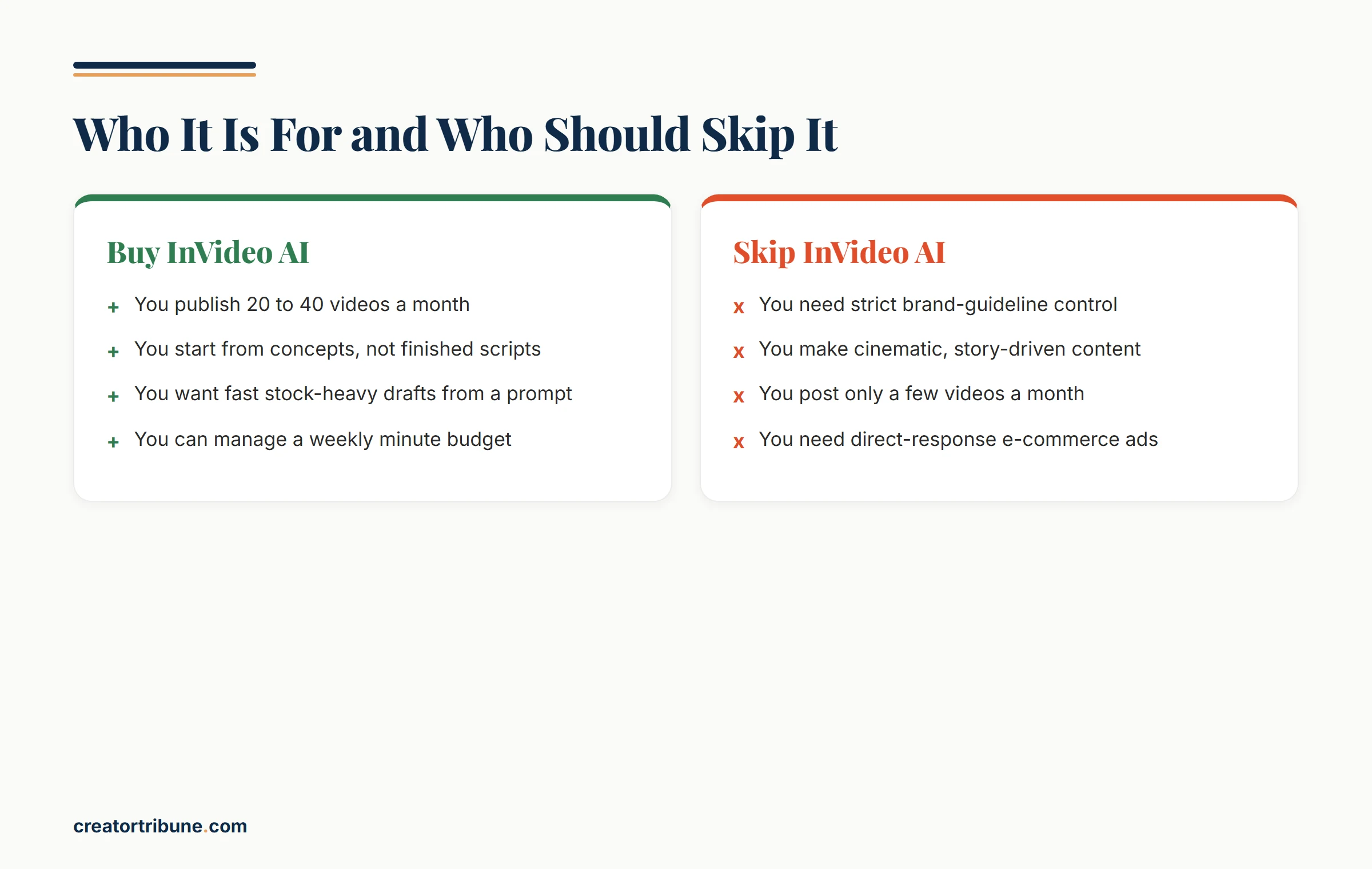
Buy it if you publish twenty to forty videos a month, you start from concepts rather than finished scripts, and you are comfortable managing a weekly minute budget. At roughly $0.50 to $0.70 per finished short on the Plus plan when generations succeed, the economics work for a channel that ships constantly.
Skip it if you need strict brand-guideline control, you make cinematic or story-driven content, or you only post a handful of videos a month and would forfeit half your weekly minutes.
E-commerce creators chasing direct-response ad output are usually better served by a purpose-built ad tool, and precise editors will want a real timeline.
One caution on the refund. InVideo offers a 7-day money-back guarantee, but some users report that spending even a single credit voids your eligibility, so test the workflow before you generate anything you care about.
If you mainly need graphics rather than full videos, our roundup of social media graphics tools is a better starting point than a video agent.
Frequently Asked Questions
Is InVideo AI free to use?
InVideo AI has a free plan with 10 AI generation minutes a week, 720p exports, a visible watermark, and no commercial license. It is fine for testing the workflow, but you need at least the $25 Plus plan to remove the watermark and use videos commercially.
Is InVideo AI worth it for faceless YouTube channels?
Yes, for high-volume faceless channels it is usually worth it. The Plus plan lands around $0.50 to $0.70 per finished short when generations succeed, which works if you publish constantly. It stops paying off if you post infrequently and forfeit your weekly minutes.
How do I remove the InVideo watermark?
Subscribe to any paid plan, since the watermark only appears on the free tier. Plus at $25 a month removes it and unlocks 1080p exports plus a commercial license.
Can you make money with videos made in InVideo AI?
Yes, every paid plan includes a commercial license covering monetized YouTube, social ads, and client work. You own the final composed video, though you do not own the individual stock clips inside it.
How does InVideo AI compare to Pictory and Fliki?
InVideo builds a full video from a text prompt, Pictory repurposes existing blogs or long videos into clips, and Fliki leads on AI voiceover quality. Pick InVideo when you start from a concept, Pictory when you have content to recycle.
Quick Takeaways
- InVideo AI turns a single prompt into a finished stock-driven video, which suits high-volume faceless creators best.
- Plus at $25 a month is the plan to start on, since it removes the watermark and adds a commercial license, but 4K is locked to the $60 Max tier.
- The weekly minute meter does not roll over and regeneration recharges full minutes, so budget your generations and use scene-level regeneration to save them.
- Watch for silent credit drains on edits and test the workflow before the 7-day refund window closes on your first credit.
- Skip InVideo if you need cinematic storytelling, strict brand control, or you only post a few videos a month.